Zoonk 2.2: start sooner, see every chapter, fix every mistake

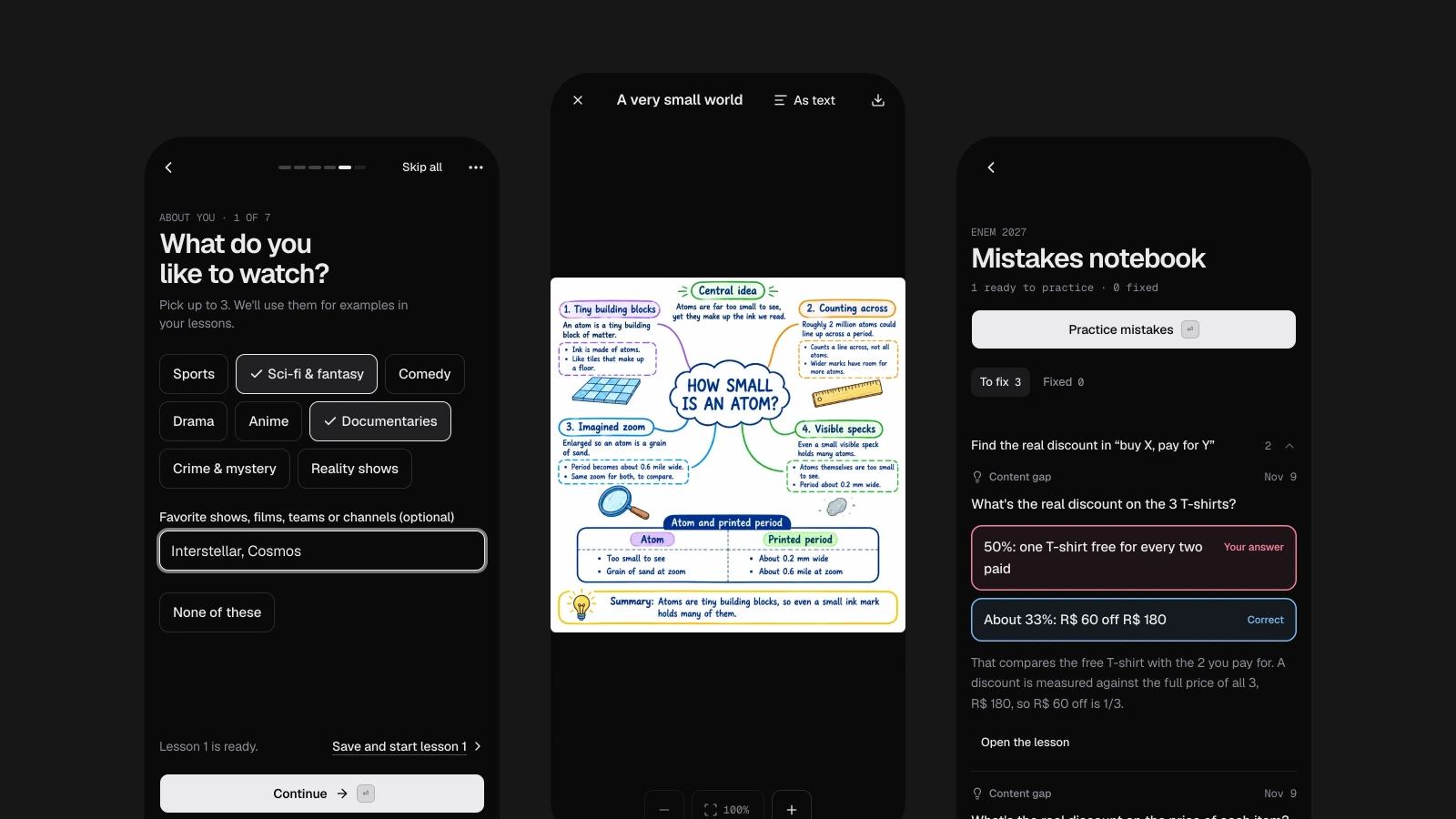
Since Zoonk 2.1 came out last week, we've shipped a handful of updates, and today we're releasing 2.2. You can now start your first lesson within minutes of signing up, your examples can come from your own life, every chapter of a course or exam plan can have a mind map, and you can work through up to 50 mistakes in one sitting.
Start learning in your first few minutes
You decide to learn something, you sign up, and then you wait. Building a plan takes a few minutes, and it's the moment you most want to get going.
So now we start writing your course while you're still answering the setup questions. If lesson 1 is ready before the rest of your plan, you can start it right away. When you finish it, See your plan shows your daily time, what's on Today and your first week, with the lesson you just did already counted.
While the plan builds, Zoonk also asks a few questions about you, one per screen: what you do now, the apps and tools you use most, what you've studied, and what you like to watch, listen to, play, read and do. We use your answers in the examples under your lessons. If you work at a pharmacy, a lesson about percentages can show you a discount at your own counter.
Every question is optional. You can skip one, skip them all, or come back later in Settings › About you. If you tell us about something like ADHD or dyslexia, we save it only when you tick the box. Your buddy uses it to explain things in a way that works for you, and it never shows up in your examples.
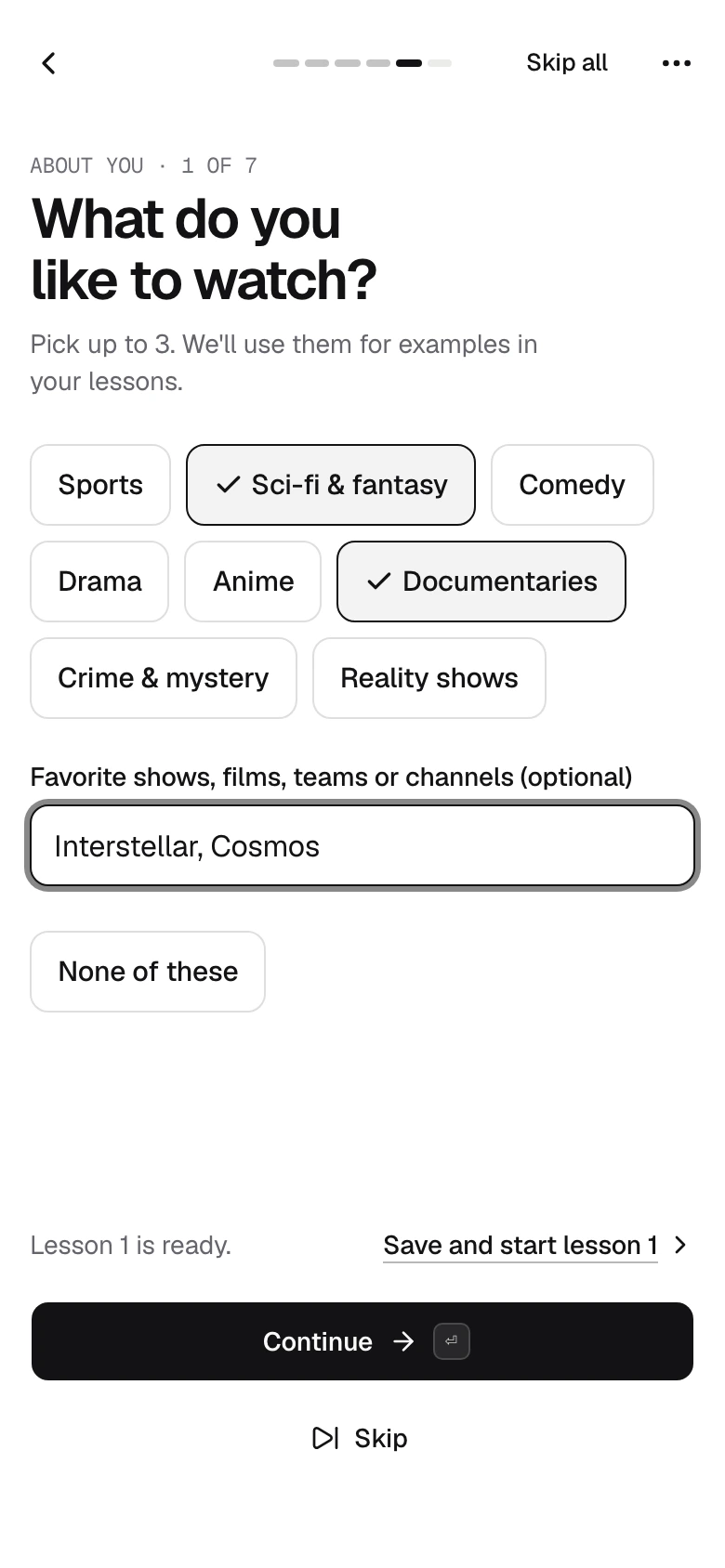
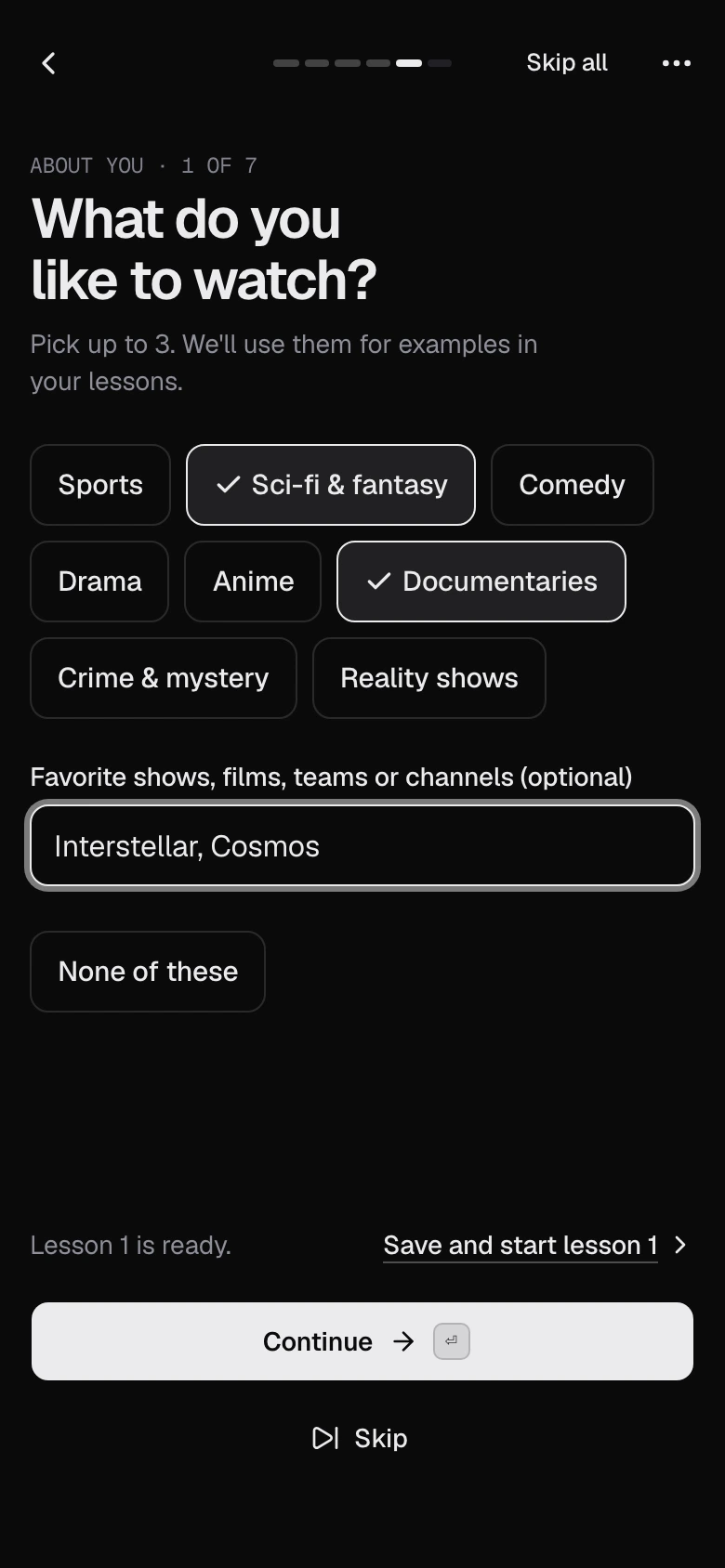
A few questions about you
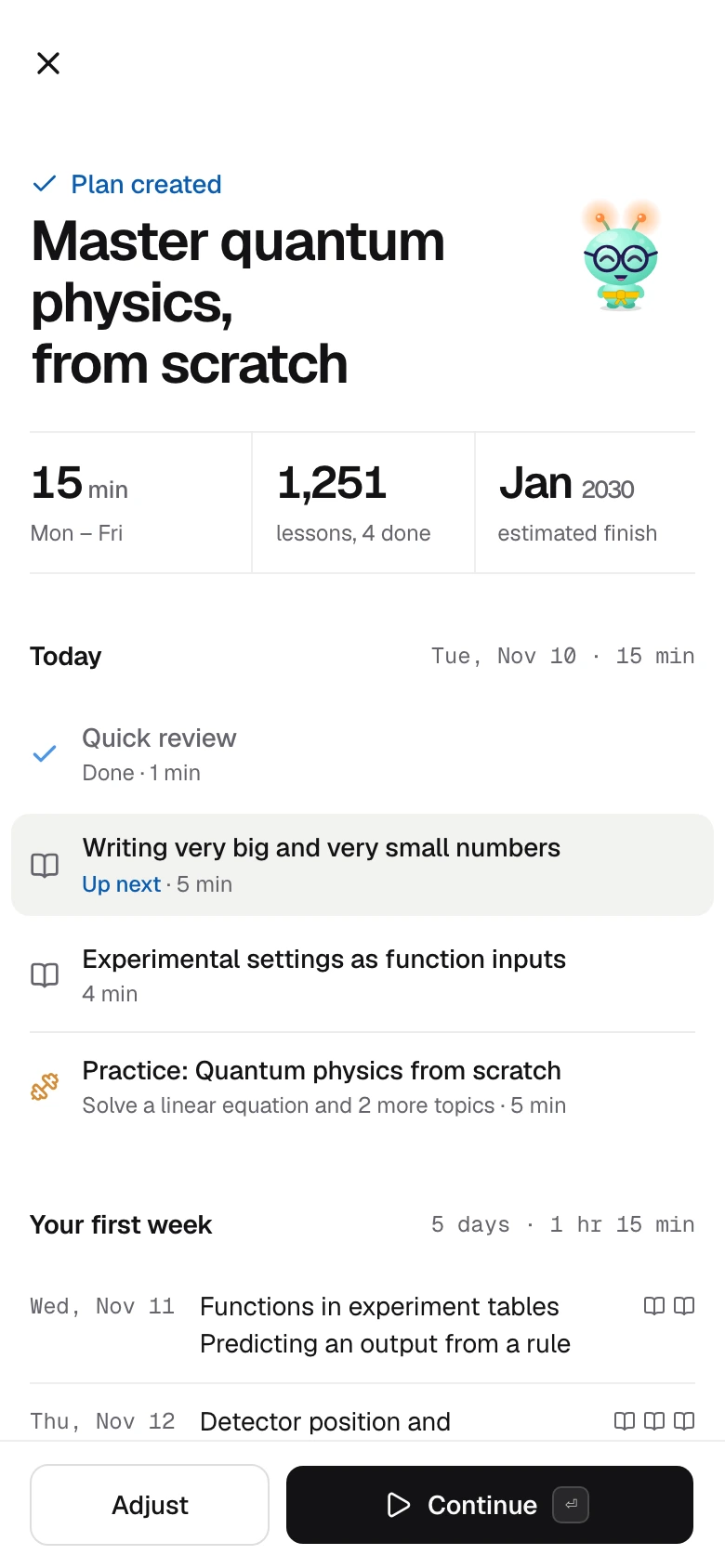
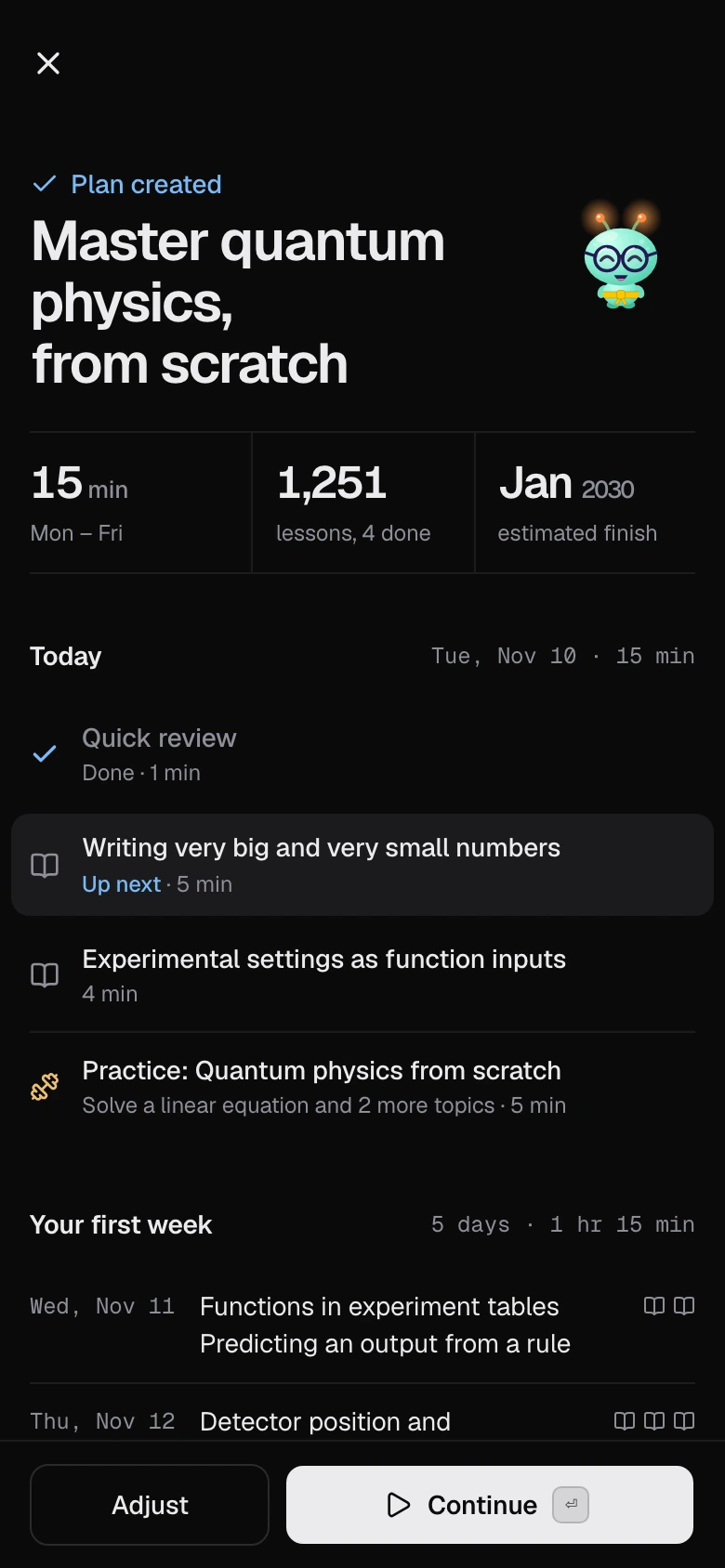
Your plan, with lesson 1 counted
A mind map for every chapter
The night before a test, you want to see a whole chapter at a glance without rereading twelve lessons.
If you're studying a subject or preparing for an exam, every chapter in your plan can have a mind map: its main ideas in one picture. Before, you only got one after finishing a whole chapter, and it was easy to miss. Now Mind maps is in your plan from your first day, with every chapter listed under its subject.
When you finish a chapter, its map gets drawn for you. The lesson end says "Chapter finished," and the map shows up there as soon as it's drawn. For a chapter you haven't reached, tap Create. If its lessons aren't written yet, we write them first, so the map matches what you'll study, and the row tells you how many lessons that takes before you tap. On the free plan, those lessons count toward your free lessons, and when a chapter's lessons need Plus, so does its map.
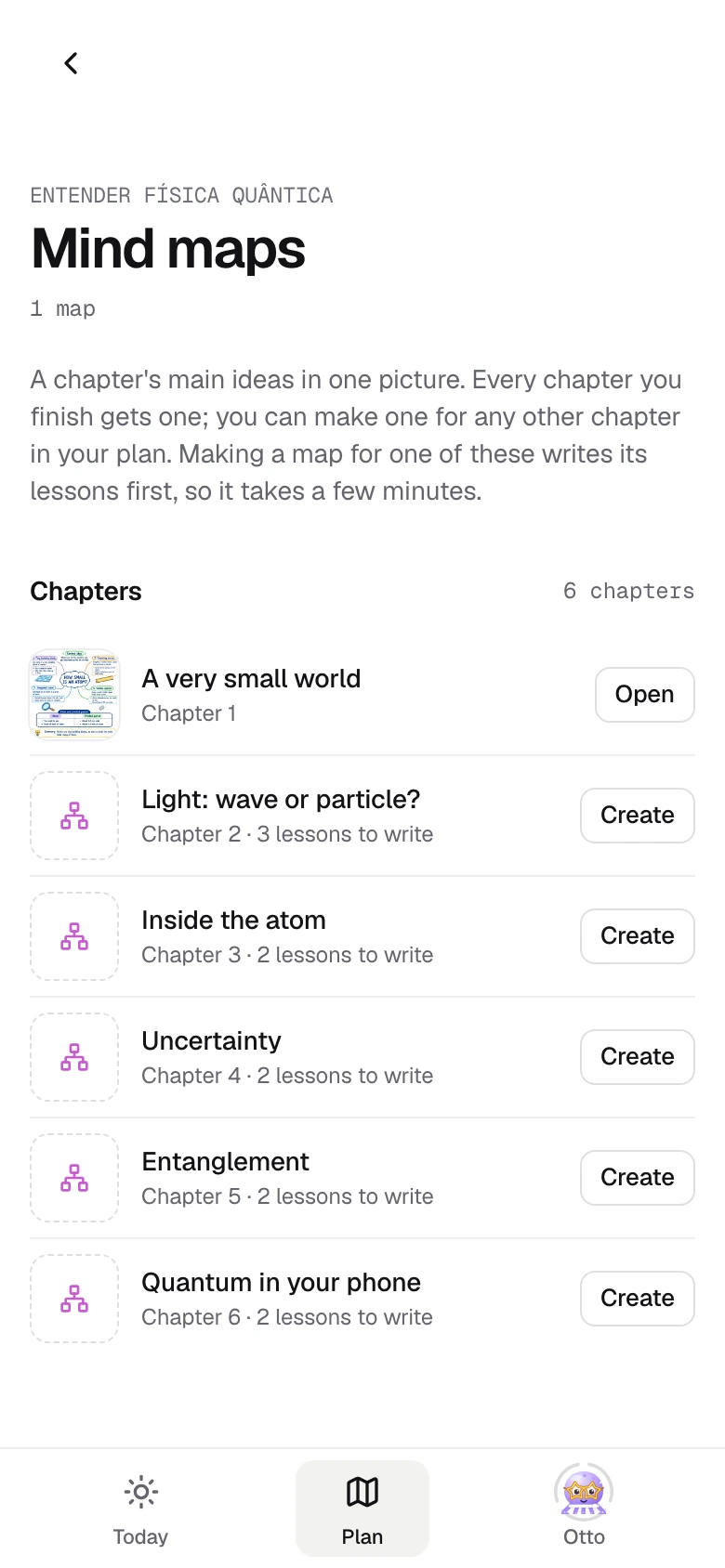
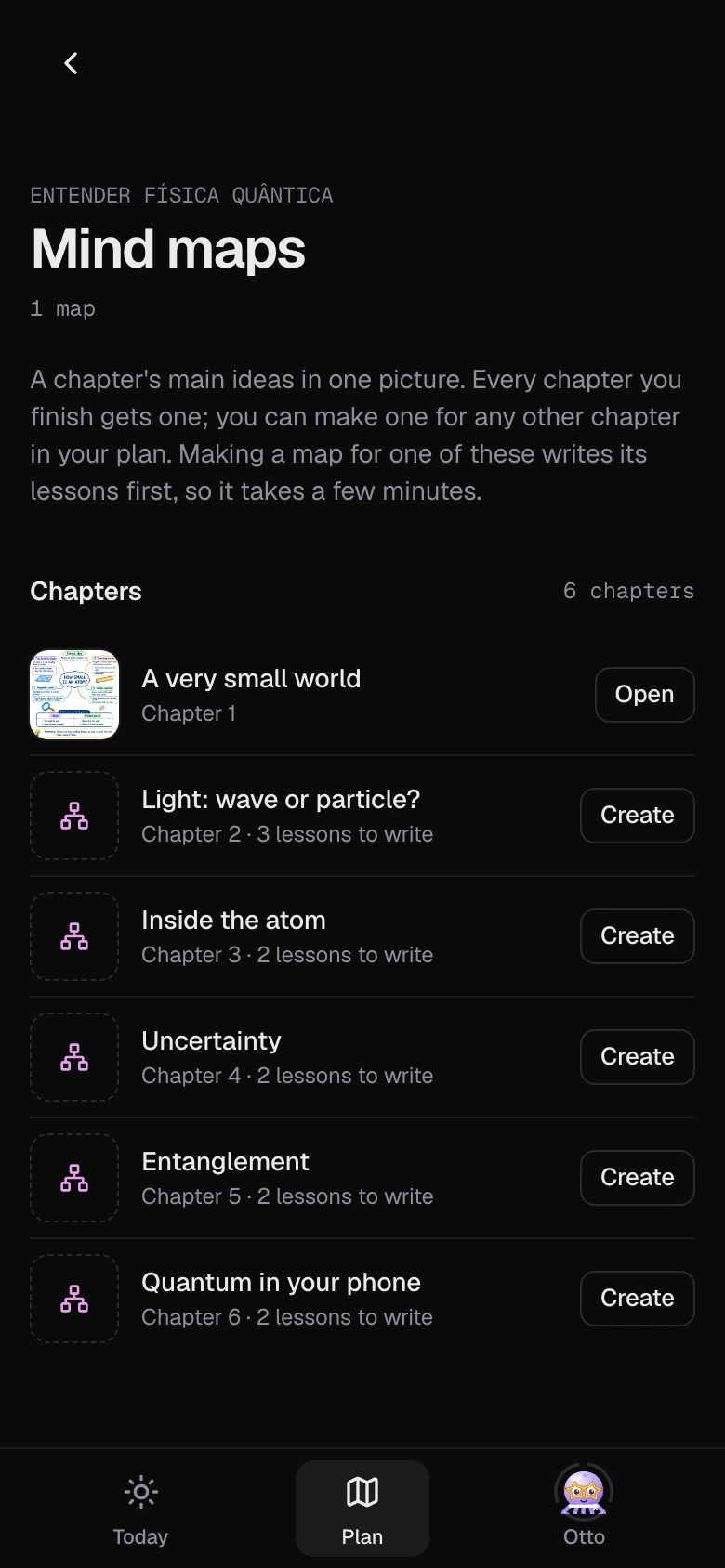
Every chapter in your plan
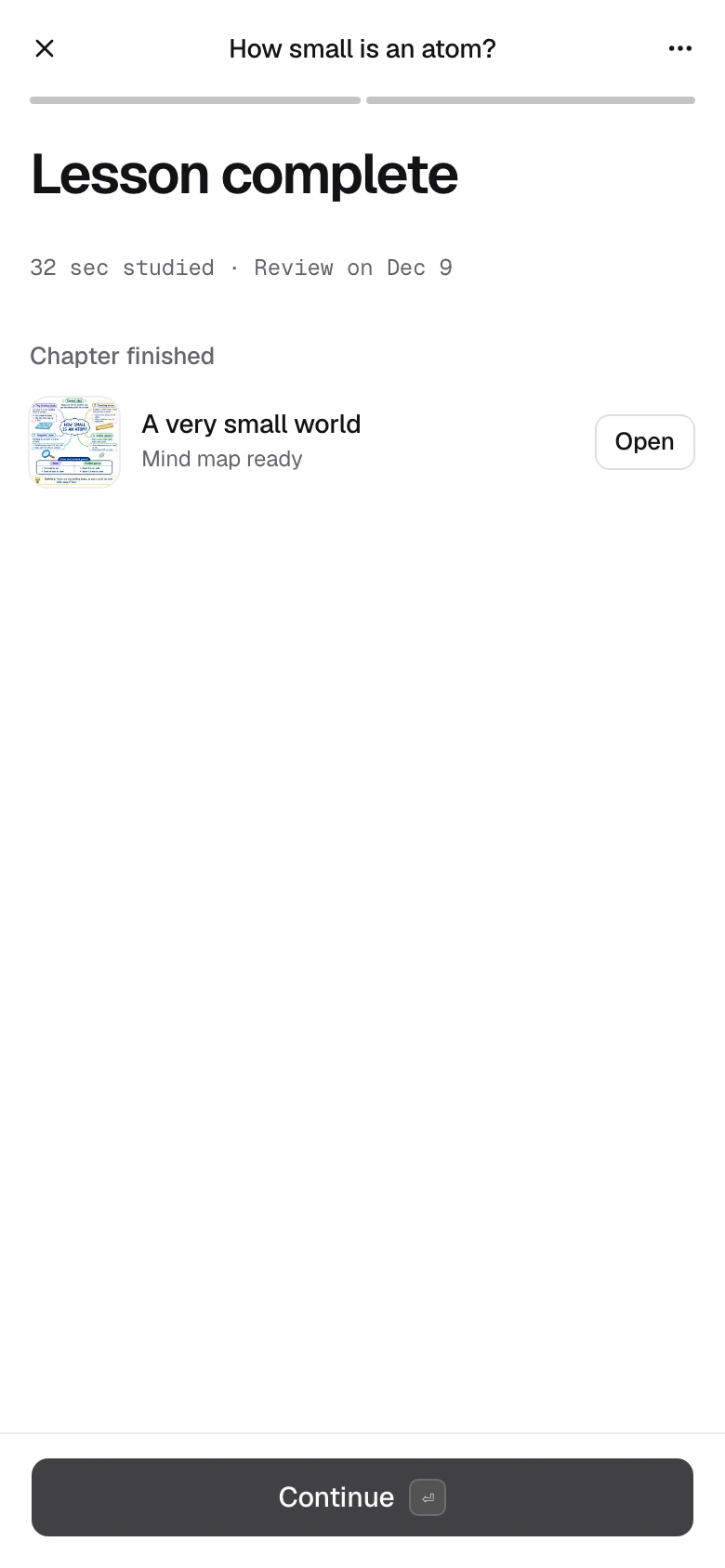
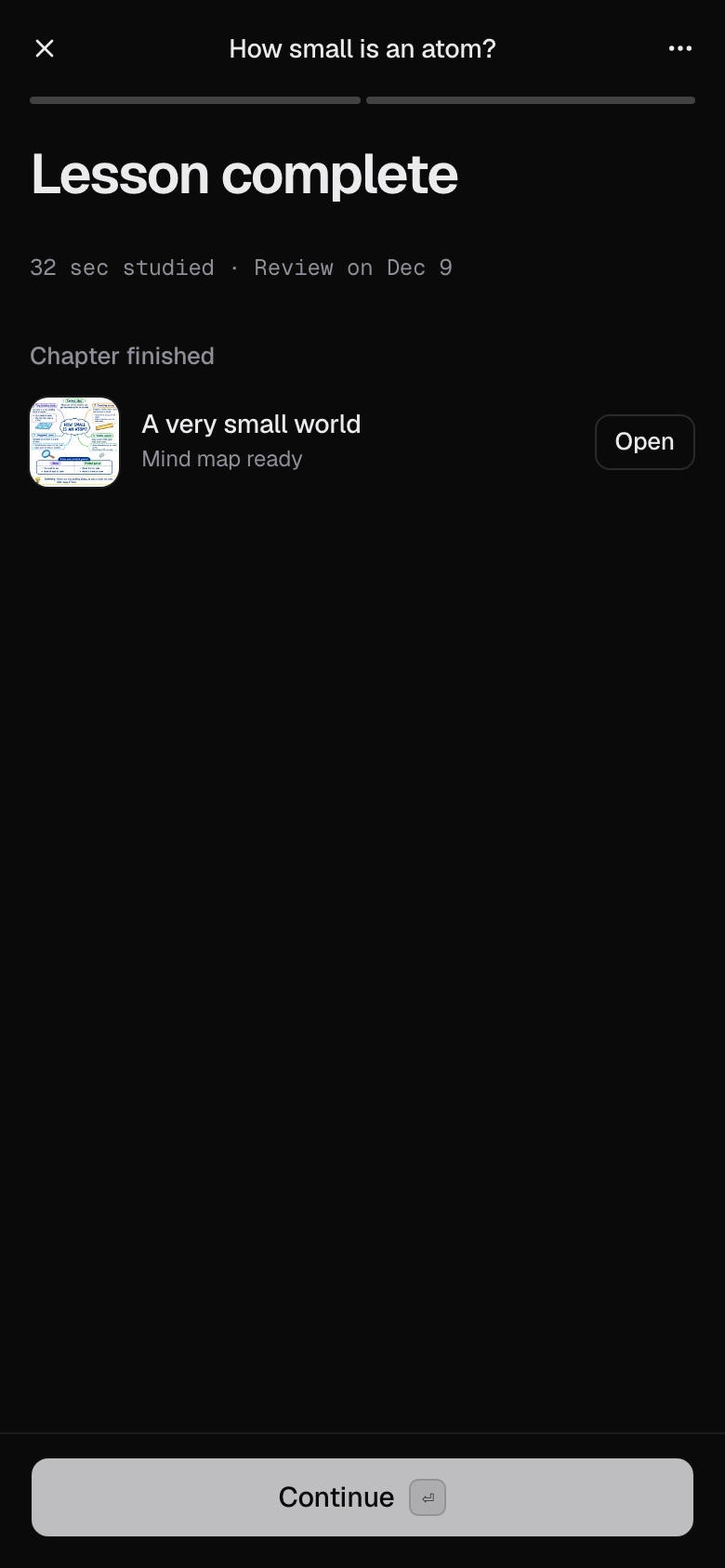
Finish a chapter, get its map
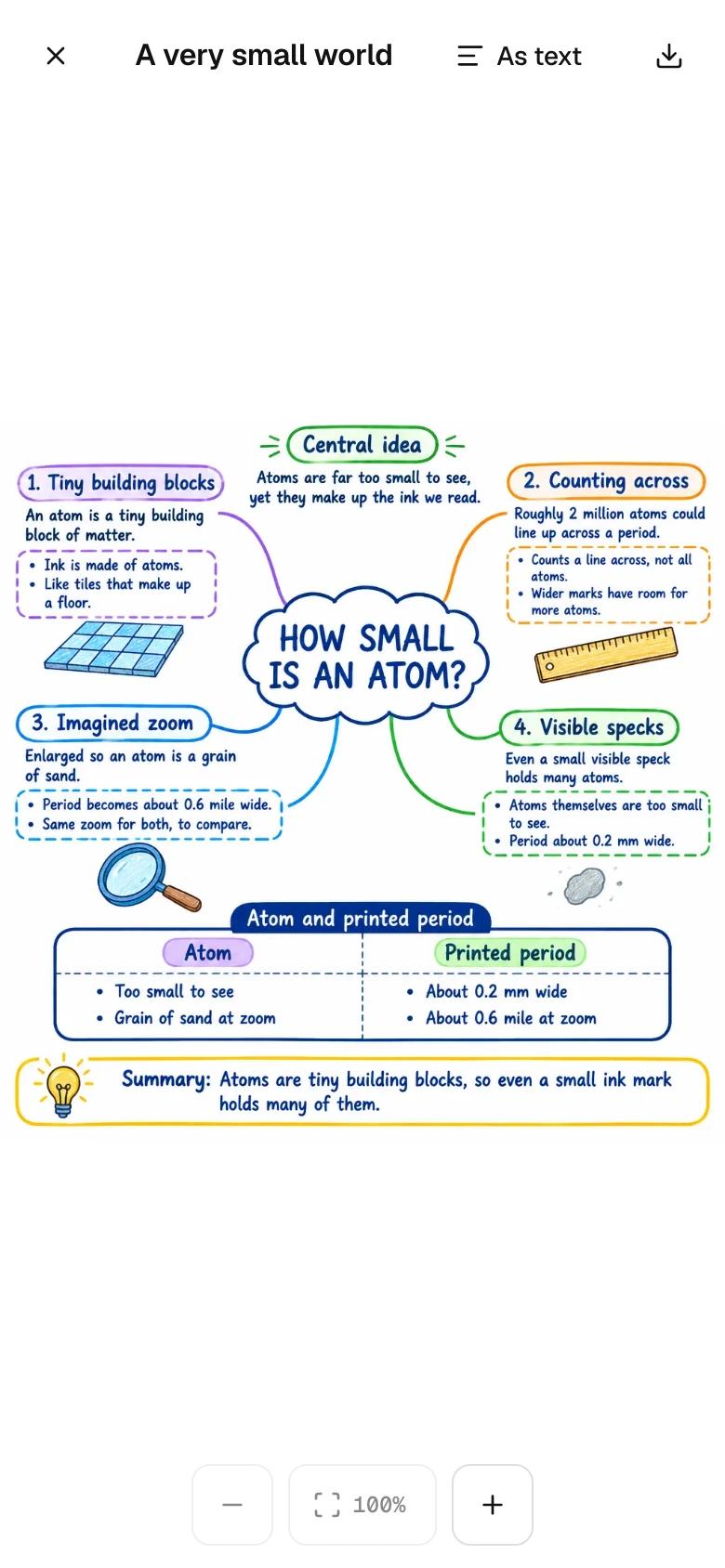
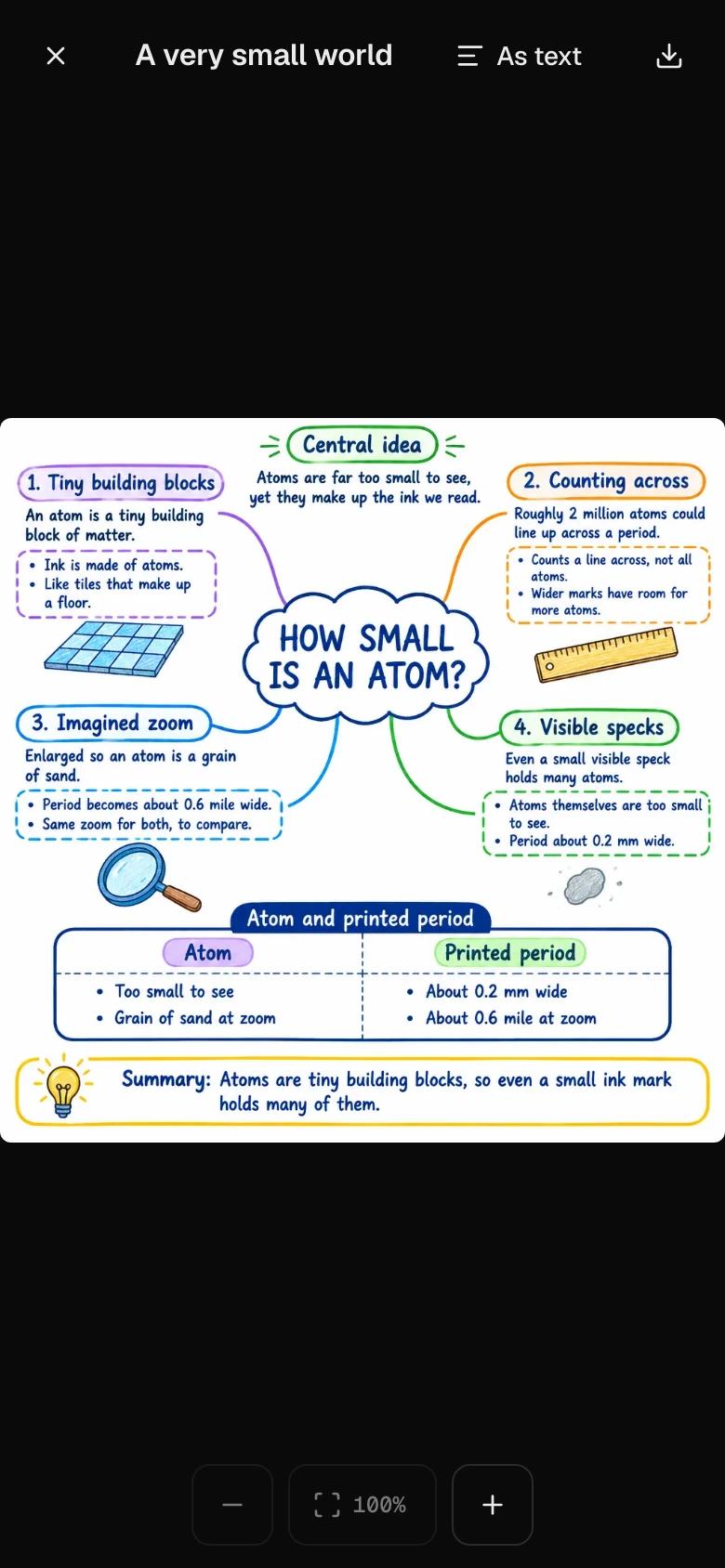
The chapter on one page
Fix your mistakes in one go
A question you got wrong last week is one you'll probably get wrong again on the exam, unless you go back to it.
Every question you get wrong goes to your Mistakes notebook. Tap Practice mistakes and you can now work through up to 50 of them in one run. Each one comes back as the exact question you missed, with the same choices and the same numbers, so the mistake you fix is the one you made. Get it right and it leaves your notebook. A mistake you make today is ready to practice from tomorrow.
Fixing your mistakes stays free, whatever plan you're on.
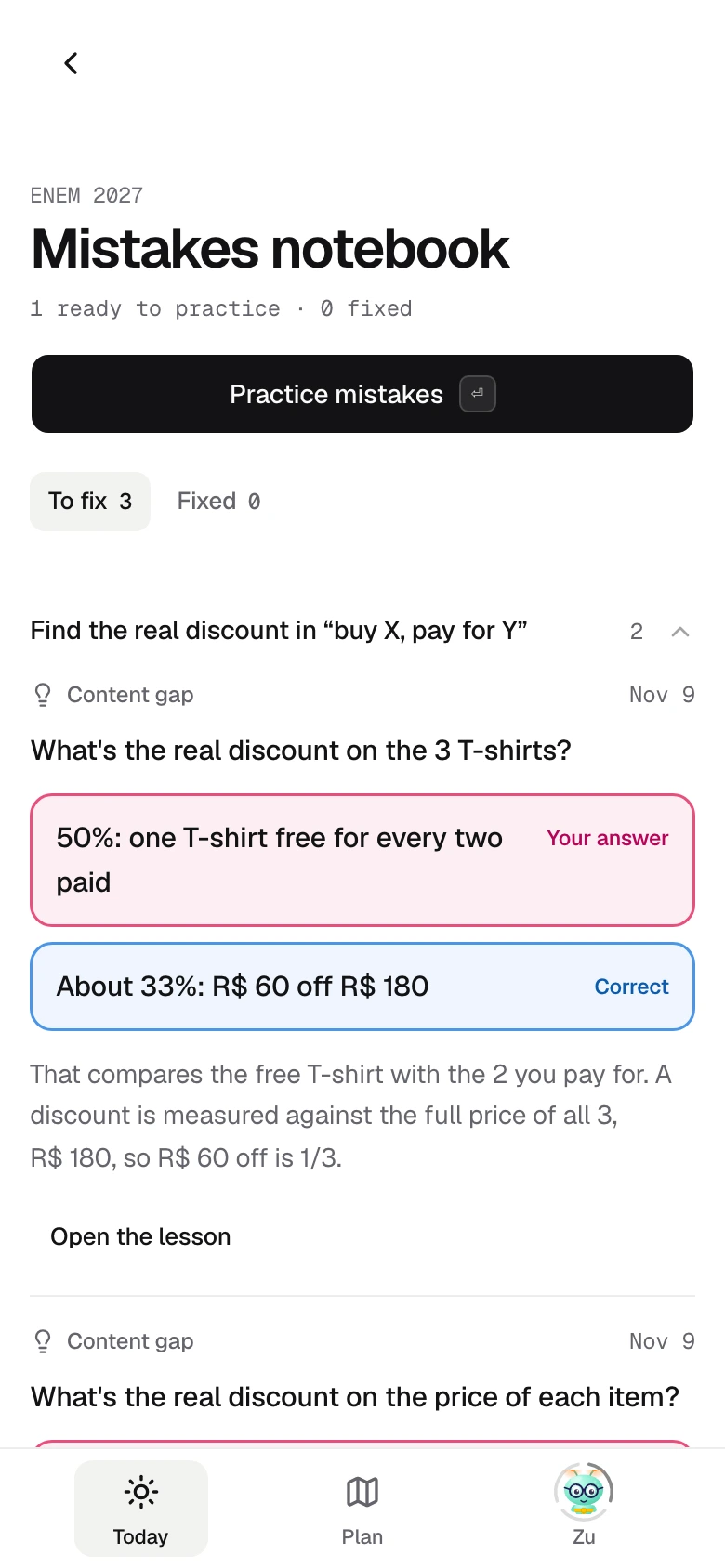
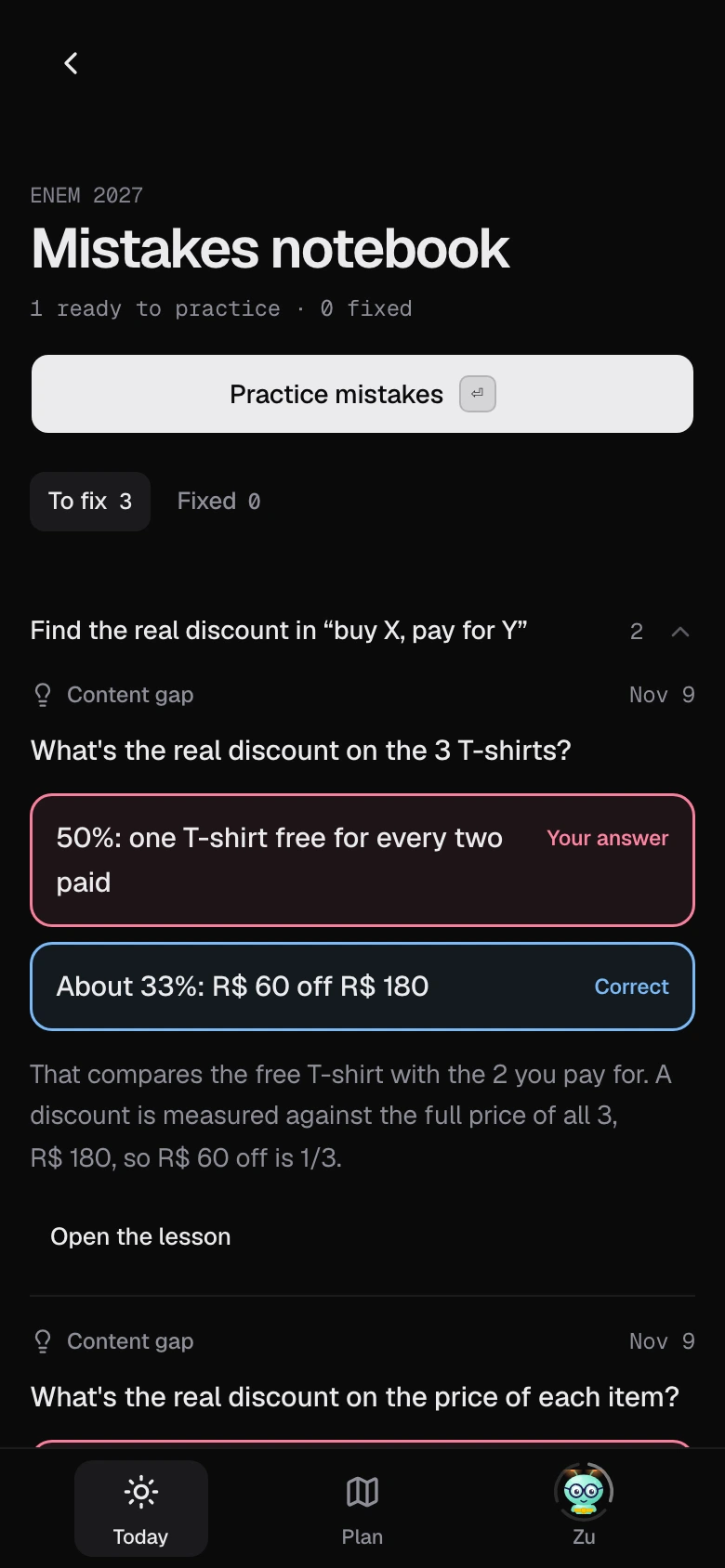
Everything you got wrong
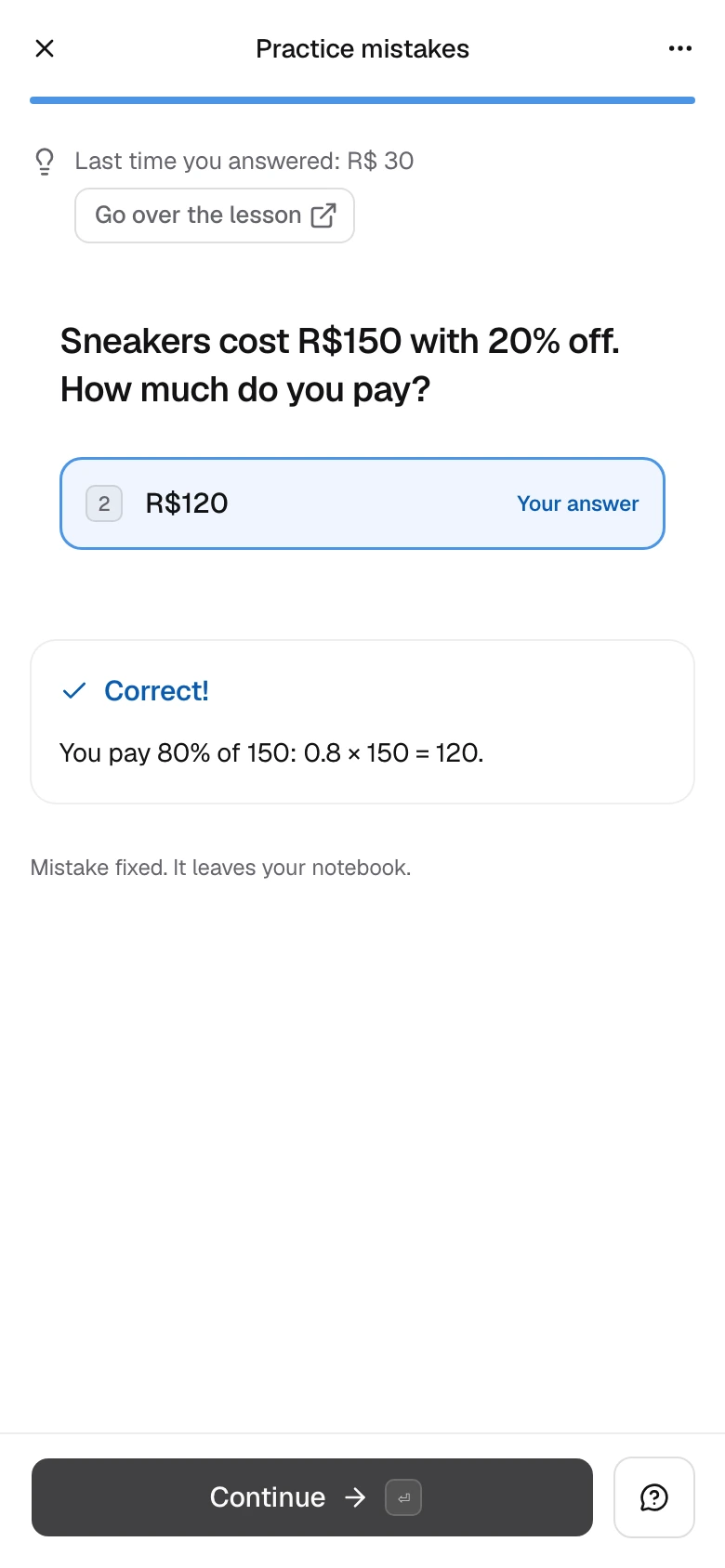
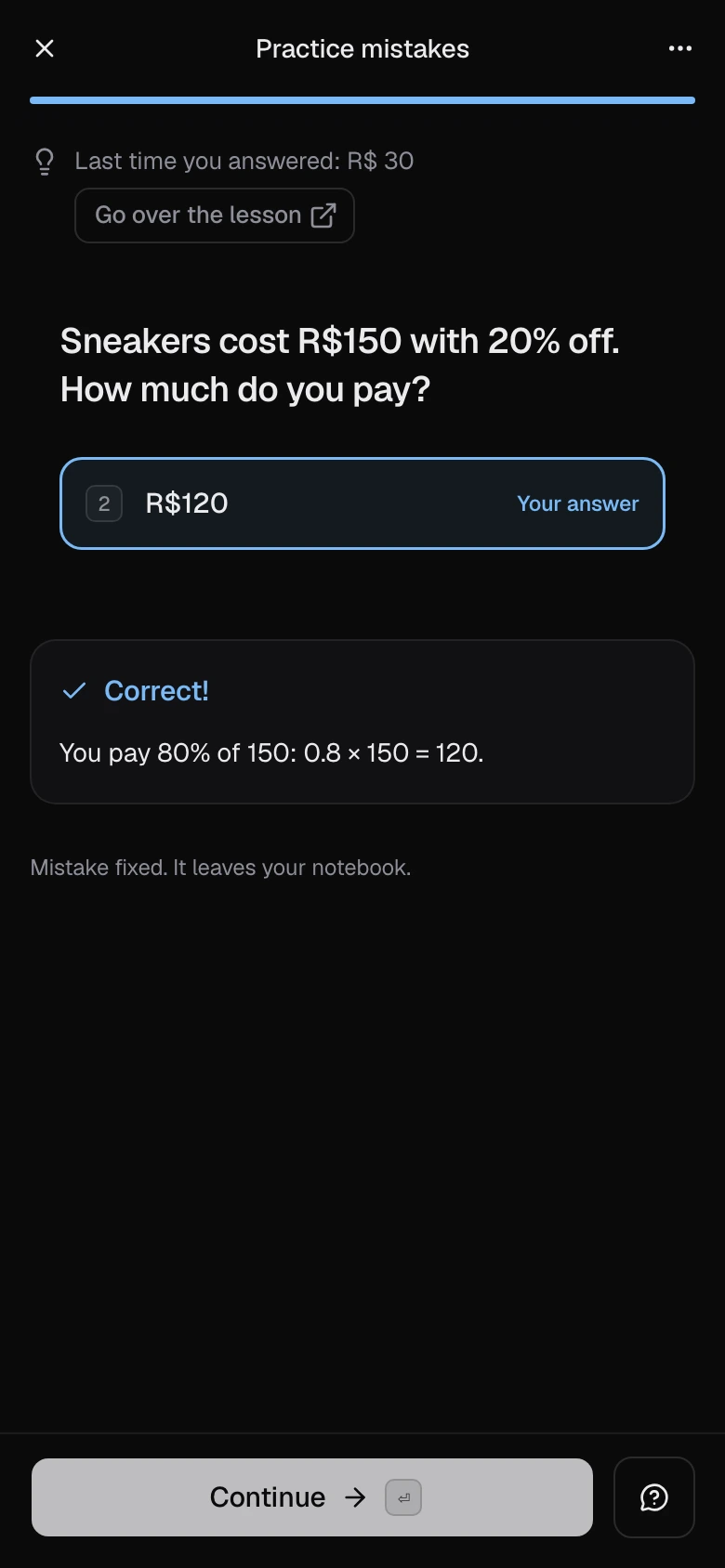
The exact question, fixed
Also new
Today now starts with the time you set. If you study 4 hours a day, it says 4 hours left from the first minute, and the number only goes down when you finish, skip or test out of a lesson. When a lesson takes you longer than planned, the rest of the day adjusts and the lesson end tells you. When you're quicker, more lessons join. A long day stays short on screen: you see your next lessons and a "+N more" row, and finished ones fold away.
If you have more than one goal, each gets a short name, like "CGU" or "Italian," so you can tell them apart in the goal switcher. Rename one anytime with Rename goal in the Plan menu.
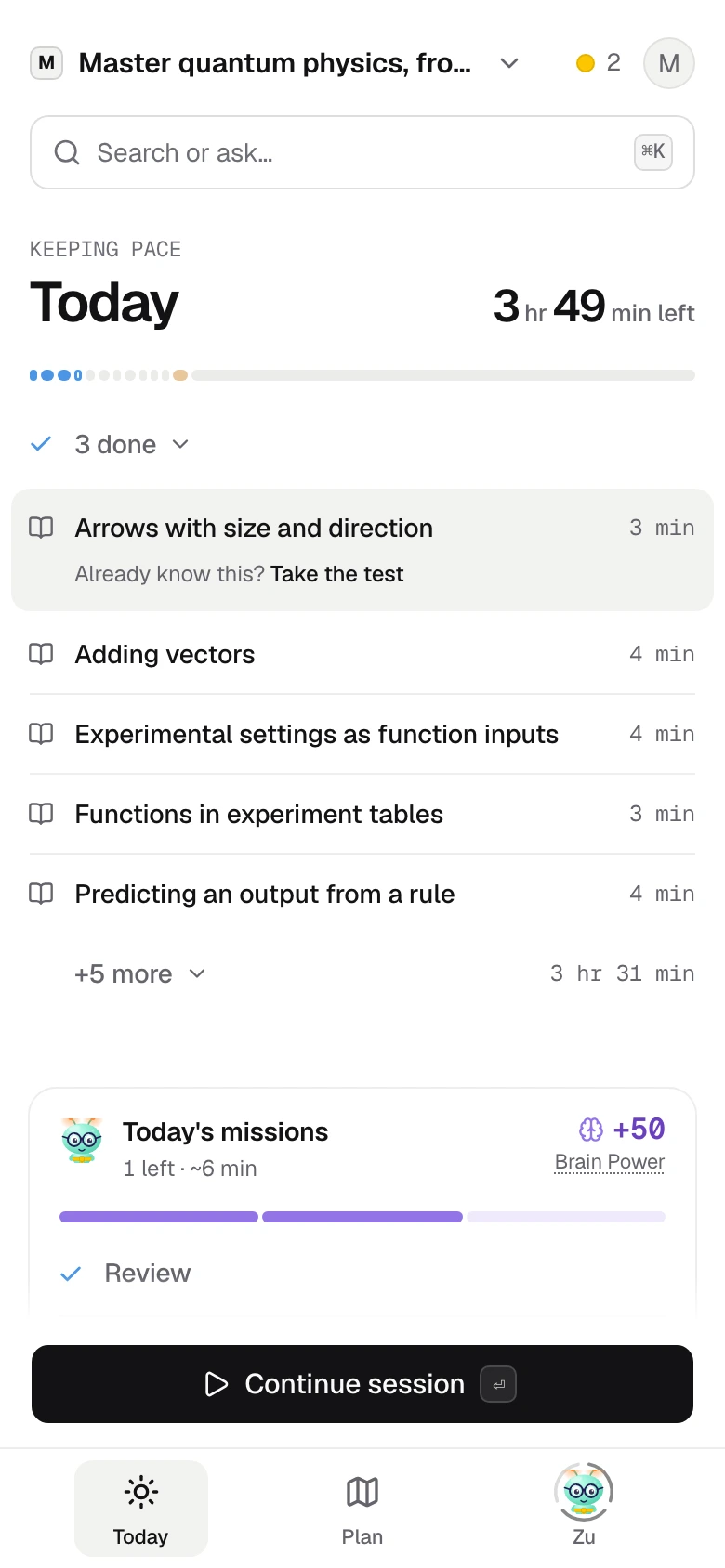
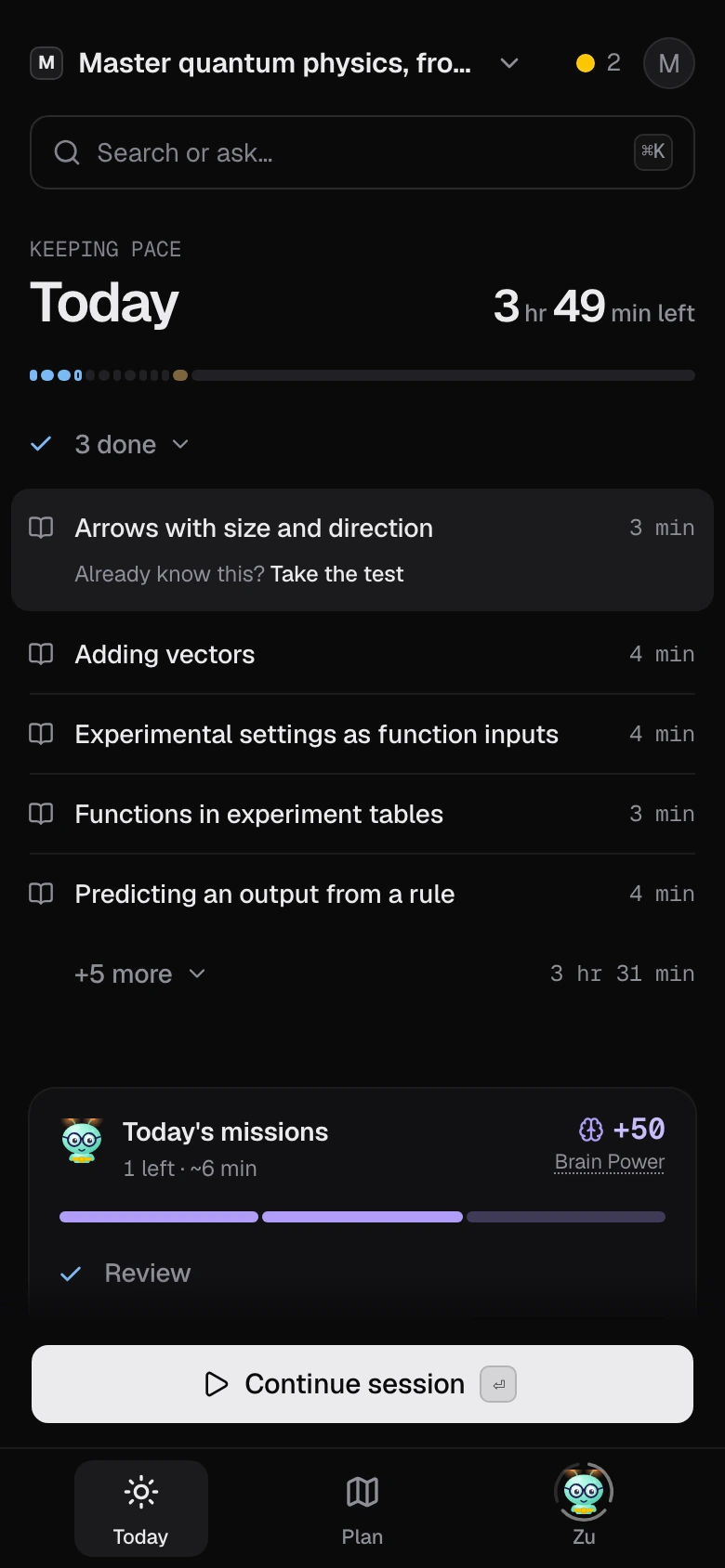
Your whole day, in your time
A few smaller things:
- Lessons open from Today as soon as you tap.
- When you build a sentence from word tiles, another correct word order counts too, and you see the lesson's version under "Also correct:"
- If you're learning a language, you can choose how far you want to go and change it later in Adjust plan.
- The lesson end shows how long the lesson took, the same time that counts toward your day.
- Language certificates now go from A1 to C2. You earn one by finishing that level in your plan and studying at least half of its lessons, and Plus unlocks it to share.
- If your answers won't save, Report a problem sends us a note in one more tap.
The release notes for 2.2 and the updates before it (2.1.1 to 2.1.5) have everything else that changed.
If something feels off, or Zoonk doesn't handle your goal well yet, write to us at hello@zoonk.com.