Zoonk 2.4: written exams, full mocks, tests anytime

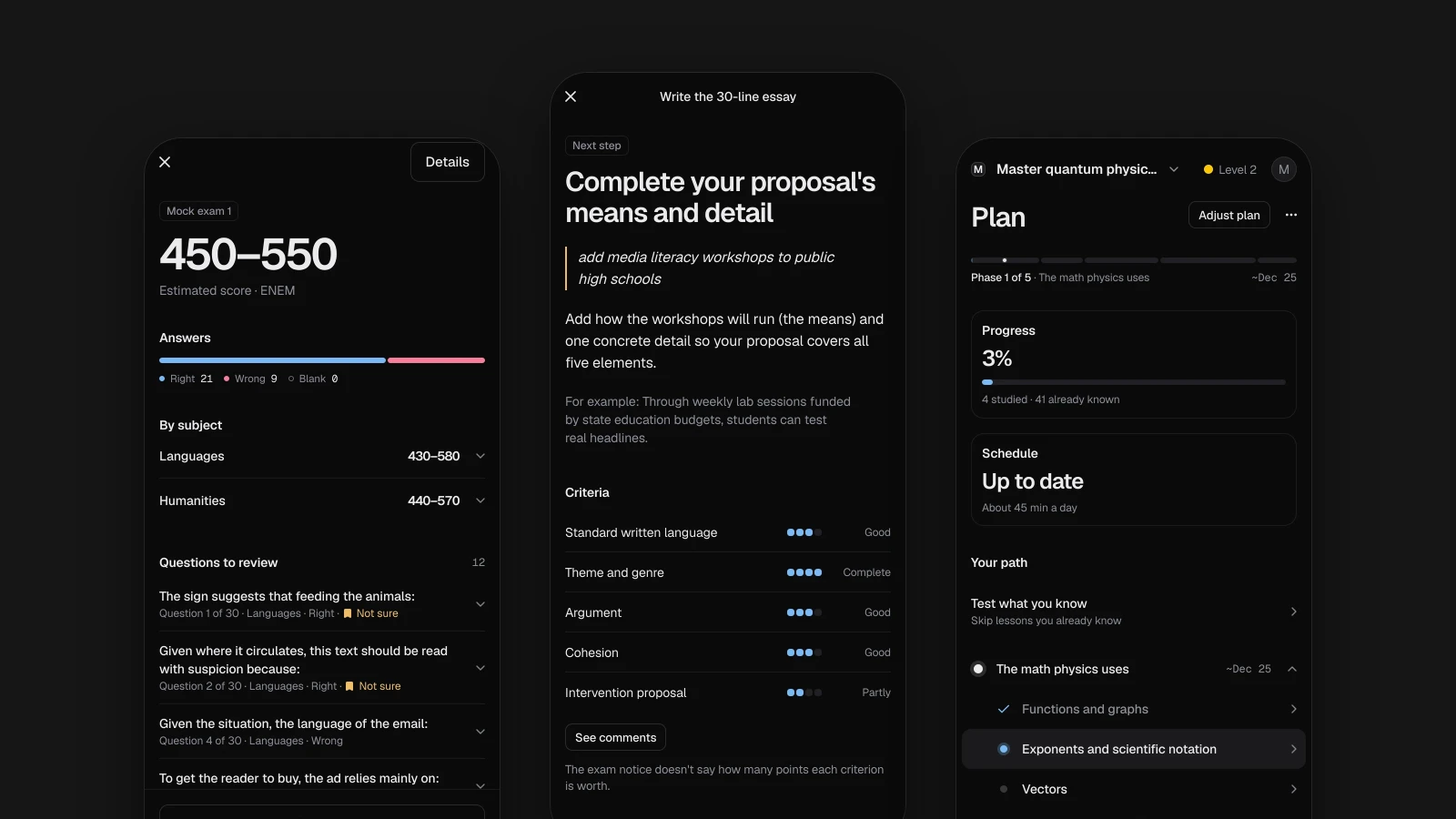
Eleven days and eight updates after Zoonk 2.3, we're releasing 2.4. You can now practice and grade the written part of an exam, take full-length mock exams on your own schedule, test what you know anytime from your Plan, and study in a calmer interface with realistic daily suggestions.
Practice and grade the written part of your exam
If your exam includes a written test, multiple-choice practice only gets you part of the way. You can study for months and still walk into exam day without having written a full answer under the real rules.
If your exam has a written part, your plan now schedules full written answers at the exam's real length, short writing exercises after writing lessons, and timed written mock exams on the official clock when a study day fits one (mock exams require Plus). Each question matches the exam's criteria, line limit, and your chosen specialty.
As you type, an approximate line count updates using real handwriting width (about 87 characters per handwritten line), so you can tell when an answer is getting close to a 30-line limit before anything gets cut off. Your draft saves across devices. If you edit the same answer on another device, Zoonk keeps what you typed and asks whether to Keep this one or Use the other before saving over it.
When you submit a full draft, grading leads with one concrete next step tied to a quote from your text, followed by a level for each criterion and language errors marked on your answer. You can rewrite and submit again (up to six extra writing tries a day), and mark written answers Not sure inside a mock exam too.
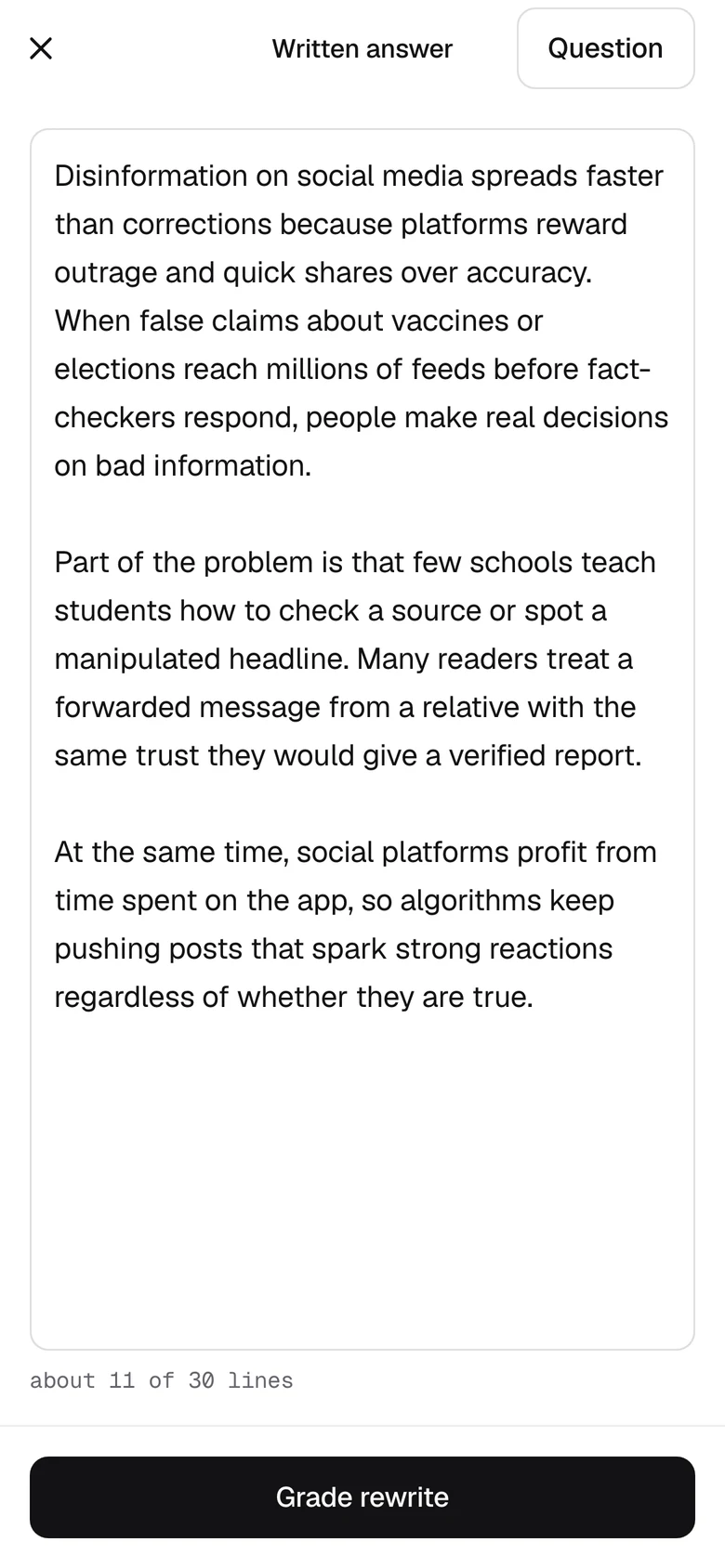
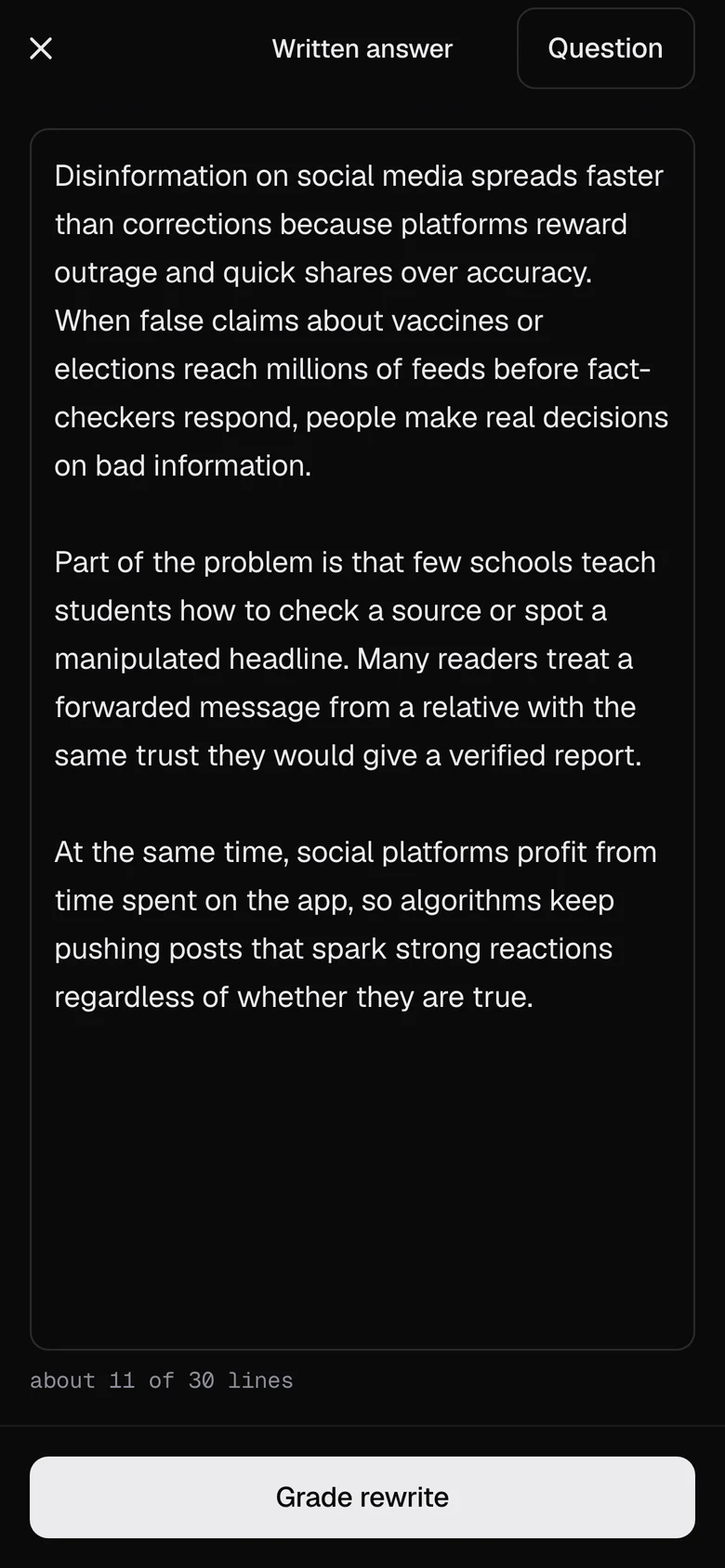
Write to the exam's real line limit
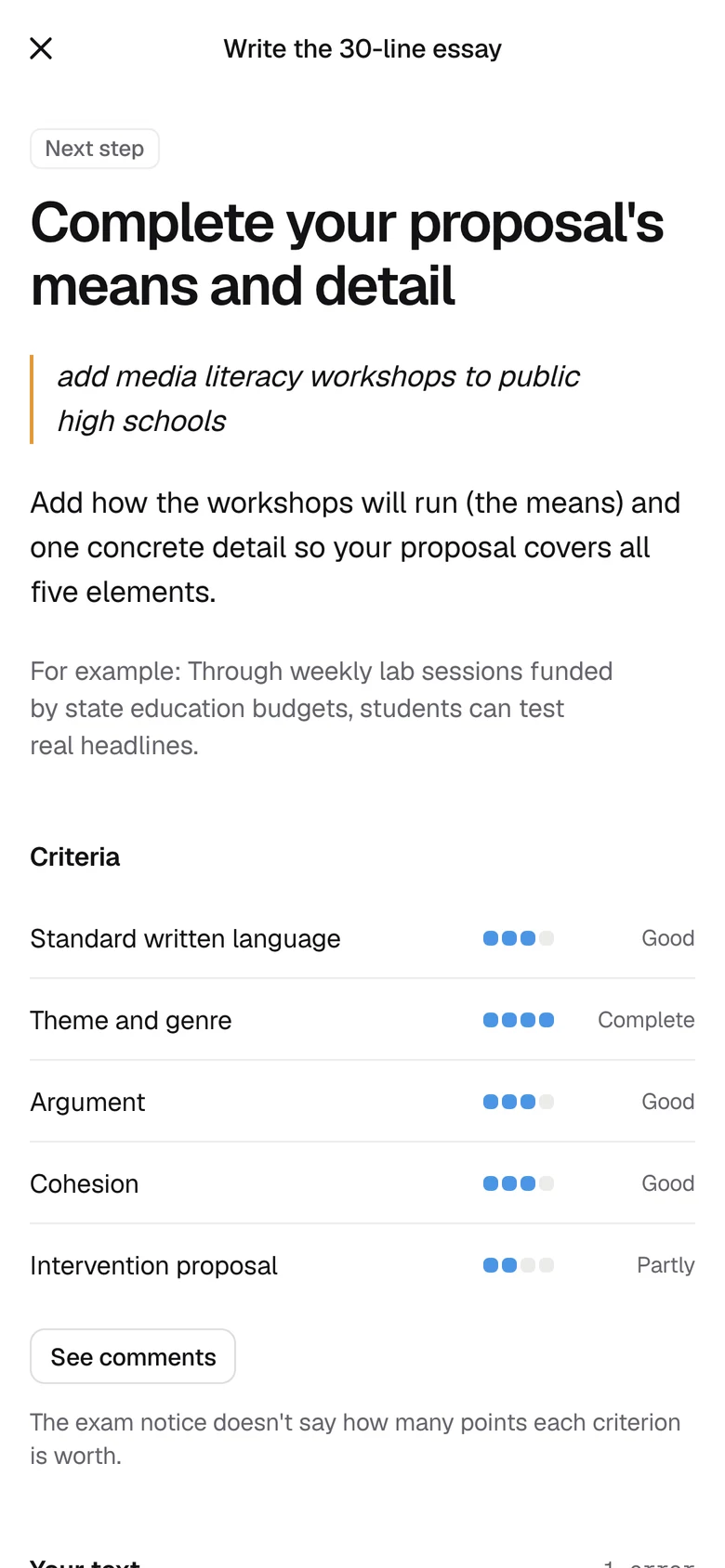
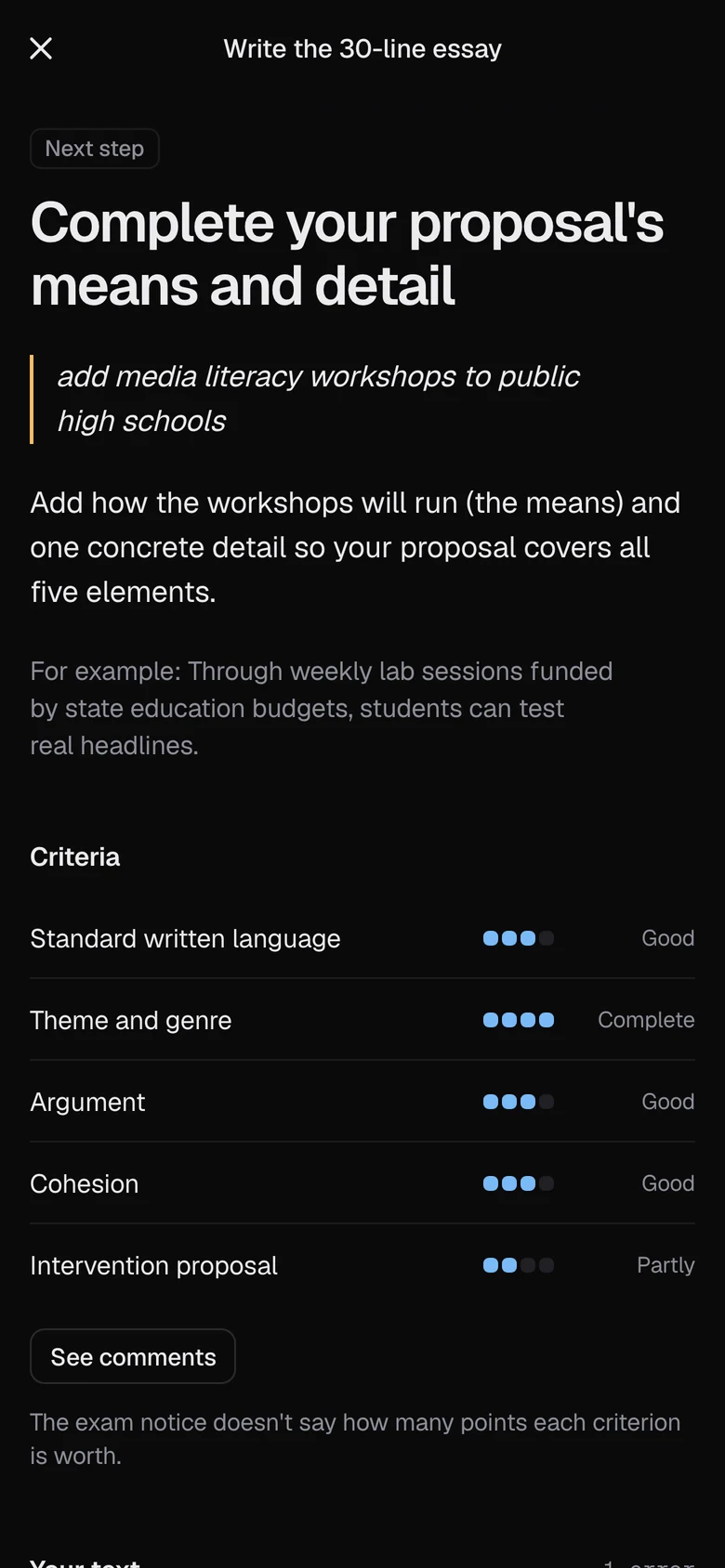
One next step, graded by criterion
Full mock exams, on your schedule
A mock exam only prepares you for the real day when it has the real length, fresh questions, and a way to fit around a busy week.
Mock exams require Plus. Every mock exam now gives you the full question count for the option you pick, with questions set aside specifically for mocks and a timer that matches it. Your next scheduled mocks and an extra mock are prepared ahead of time in the background so they're ready when you open them. If one is still getting ready, you see live progress while you keep studying. There is no limit on extra mocks: your first 10 in 30 days use only new questions, and from the 11th onward mocks can reuse the ones you answered longest ago when no fresh set is available.
While taking a mock, tap Not sure on any question you're guessing on. After you hand in, your result shows how your sure and unsure answers went, and Questions to review lists every question you marked Not sure, including the ones you got right. Getting a lucky guess right on a practice test is still worth a second look before exam day.
Mock days now hold only the mock. If a scheduled mock lands on a day when you only have ten minutes, Today previews up to three upcoming lessons you can open right away without disturbing the mock. Or tap Change schedule from Today or Plan to move it to another eligible study day or skip that occurrence, with Undo.
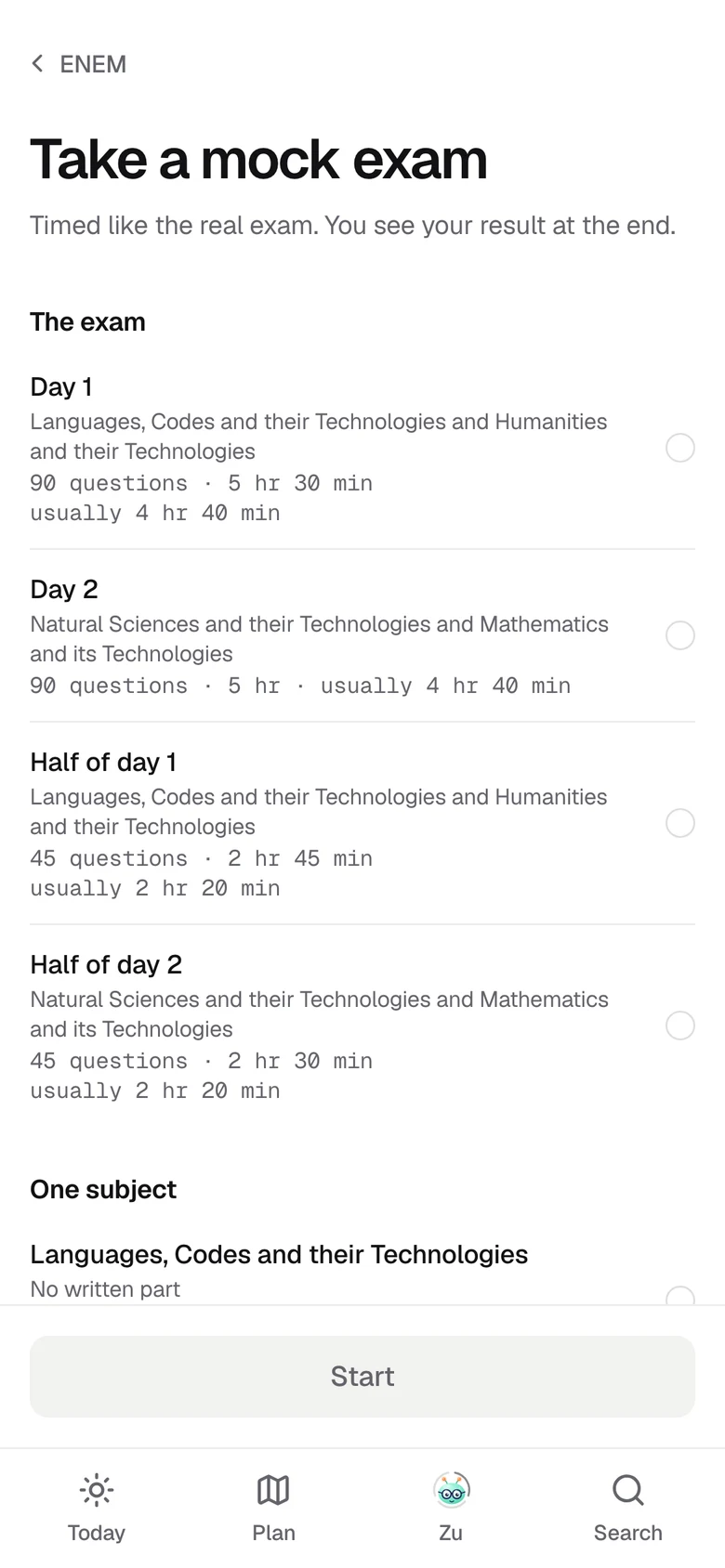
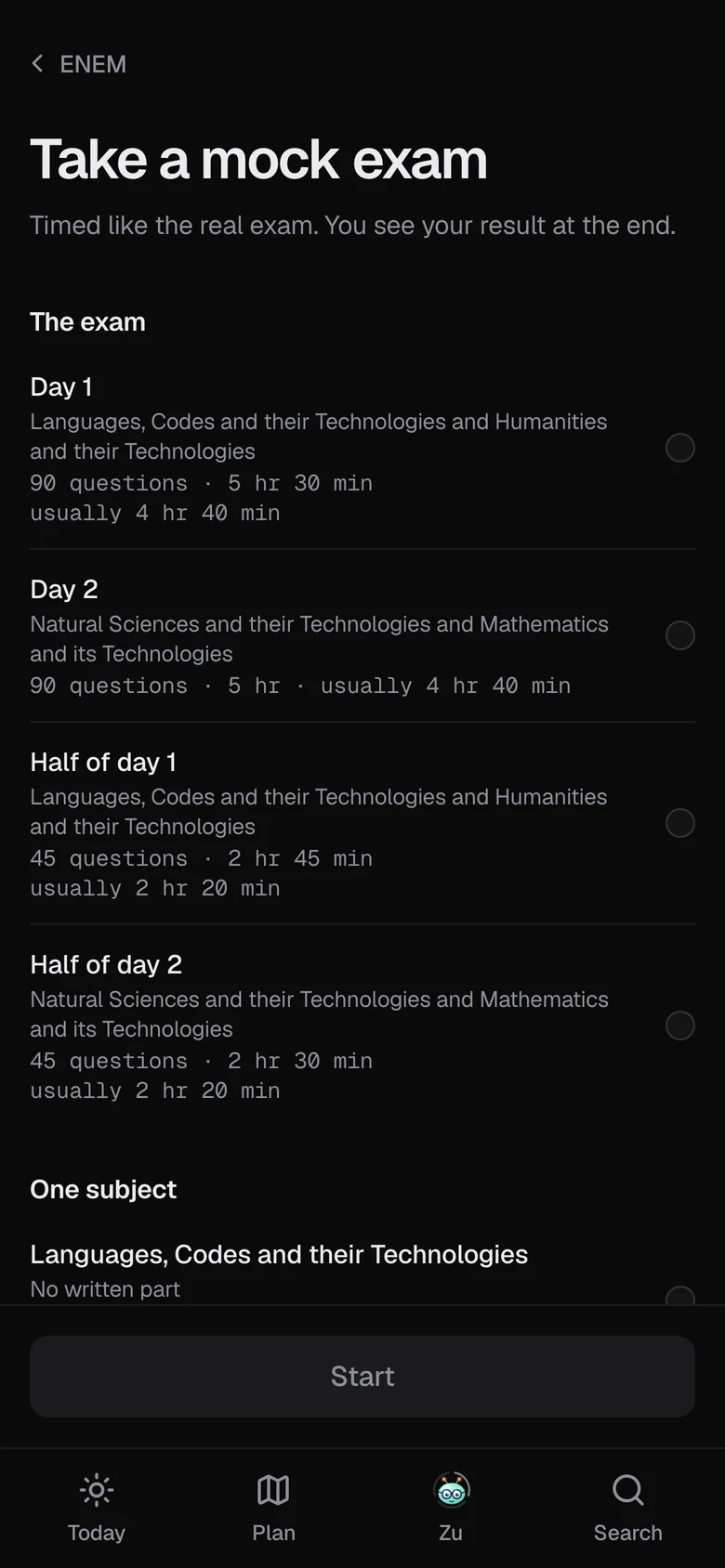
Full exams with fresh questions
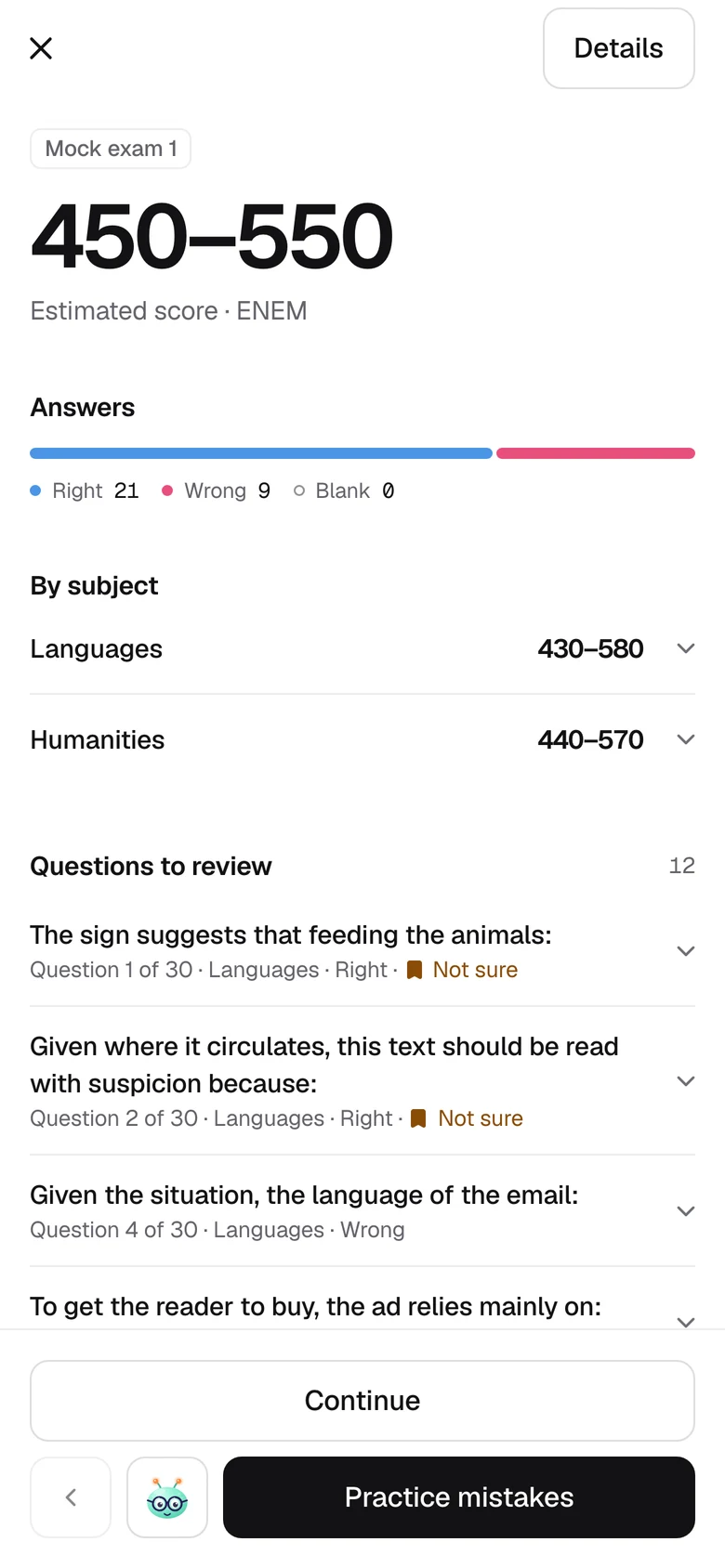
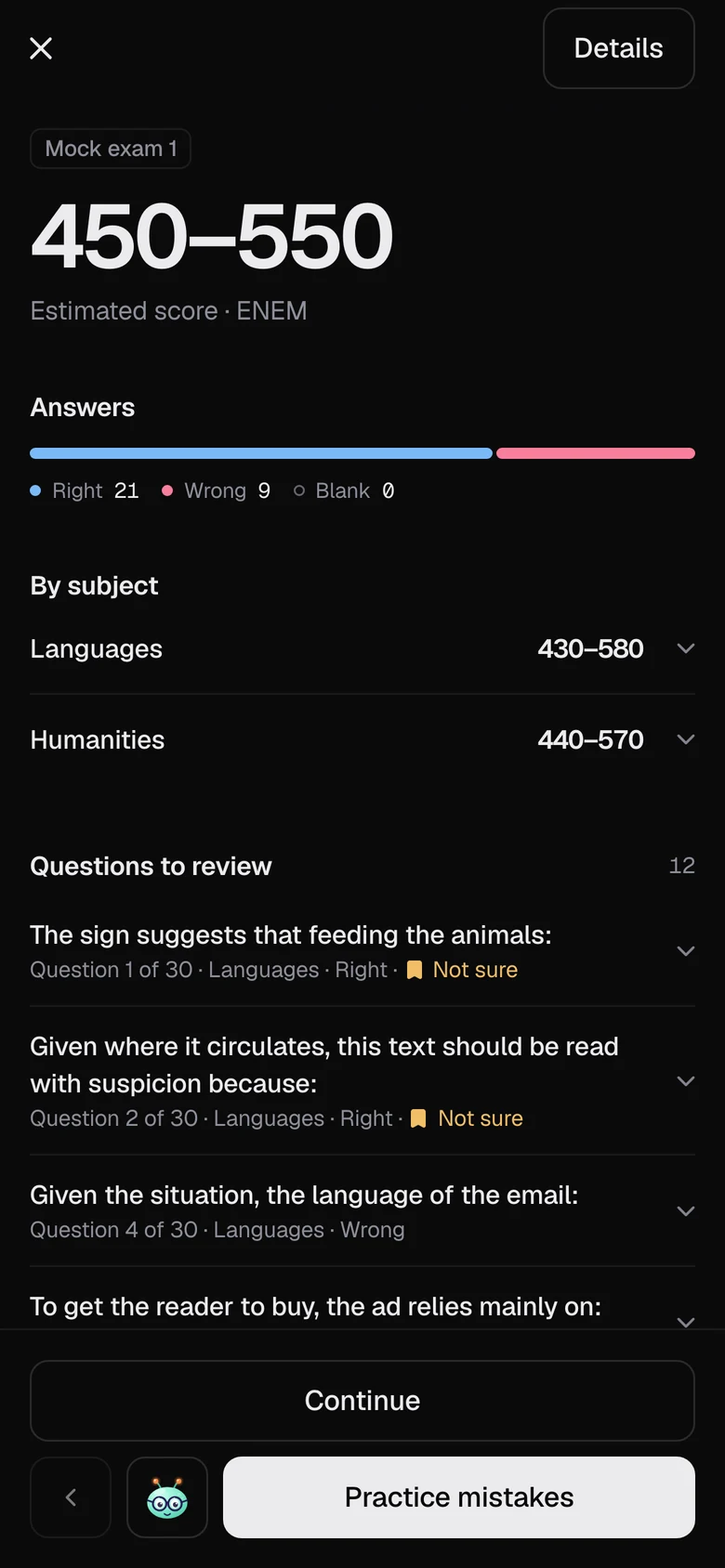
Review every question marked Not sure
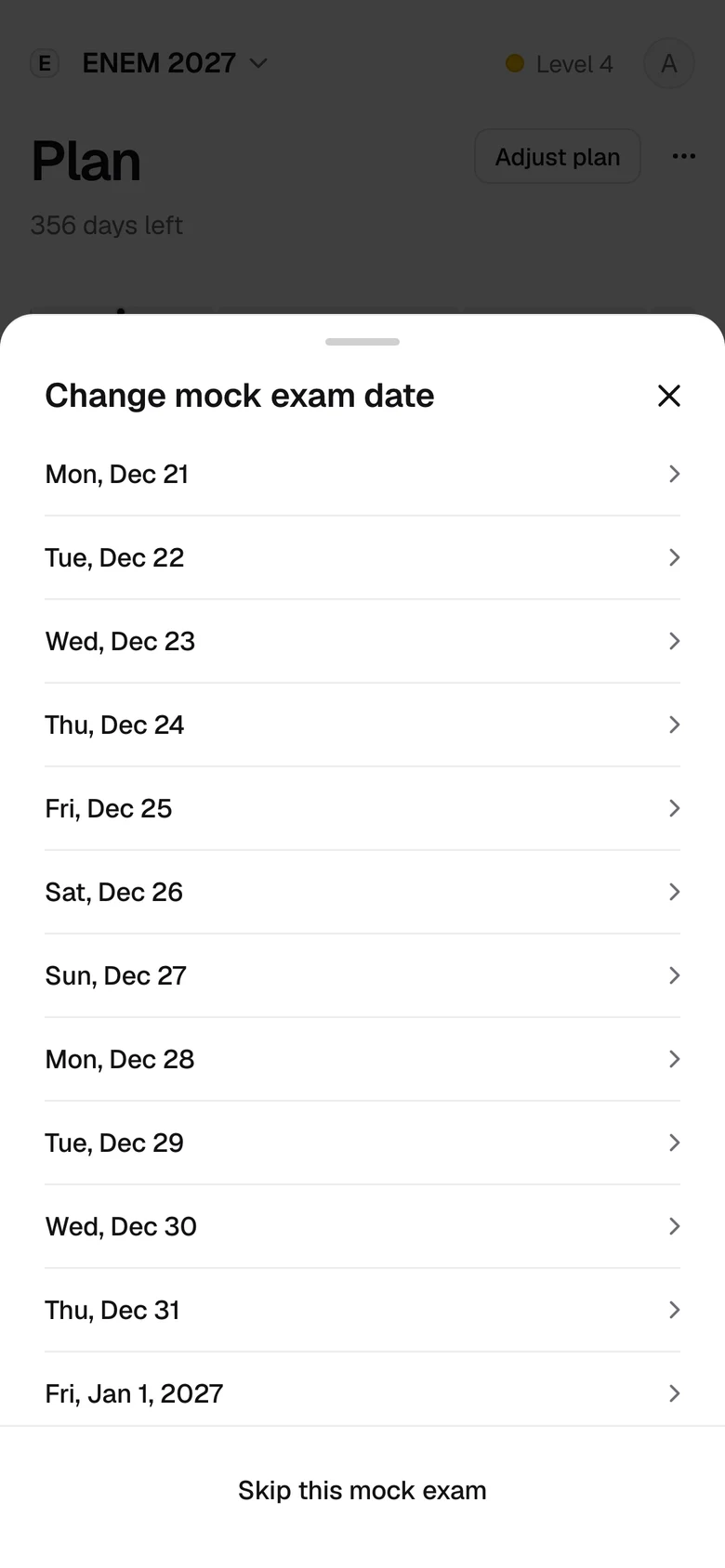
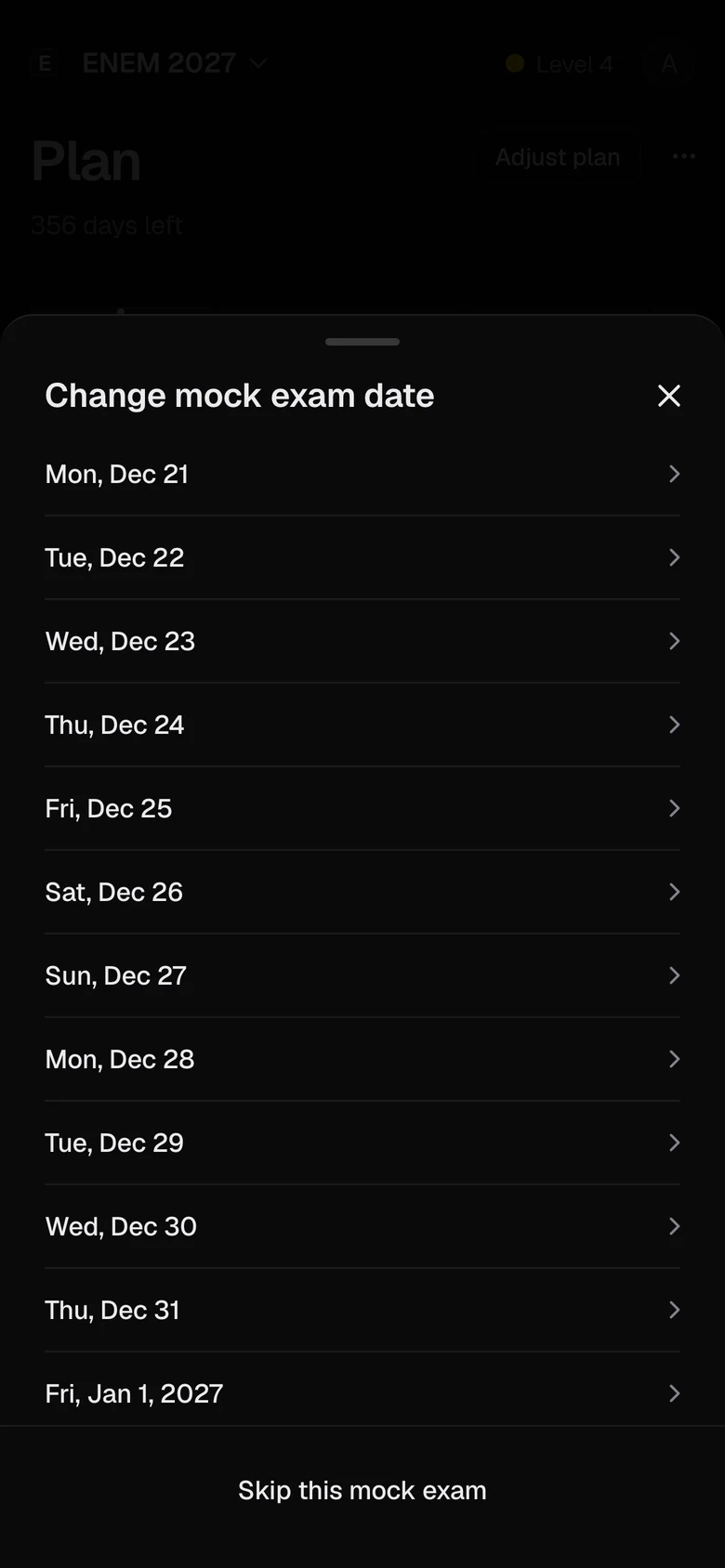
Move or skip a scheduled mock
Test what you know anytime
Sometimes you skip the starting test during setup because you just want to begin. Other times you study on your own for a month and realize the next three chapters are review.
You can now start a Level test (for languages) or Test what you know (for other courses) straight from your Plan whenever you want, and pick a Quick test or, when there's more of the course left to test, Whole course. Language tests estimate your reading and listening ranges separately and keep the lower end so you don't skip lessons you still need. On other courses, skipping a topic or chapter uses quick tap answers with Undo, and retaking a failed chapter test gives you fresh questions instead of repeating the ones you already saw.
For exam goals, we also added an optional Focus test. It takes about 15 minutes across the exam's objective subjects and suggests up to three subjects to spend more time on, while respecting any focus you picked yourself. And if you're learning a language, plans now rotate across three topics at a time (two lessons per turn) instead of keeping you on the same topic for weeks in a row, and automatically skip beginner topics when you start at a higher level.
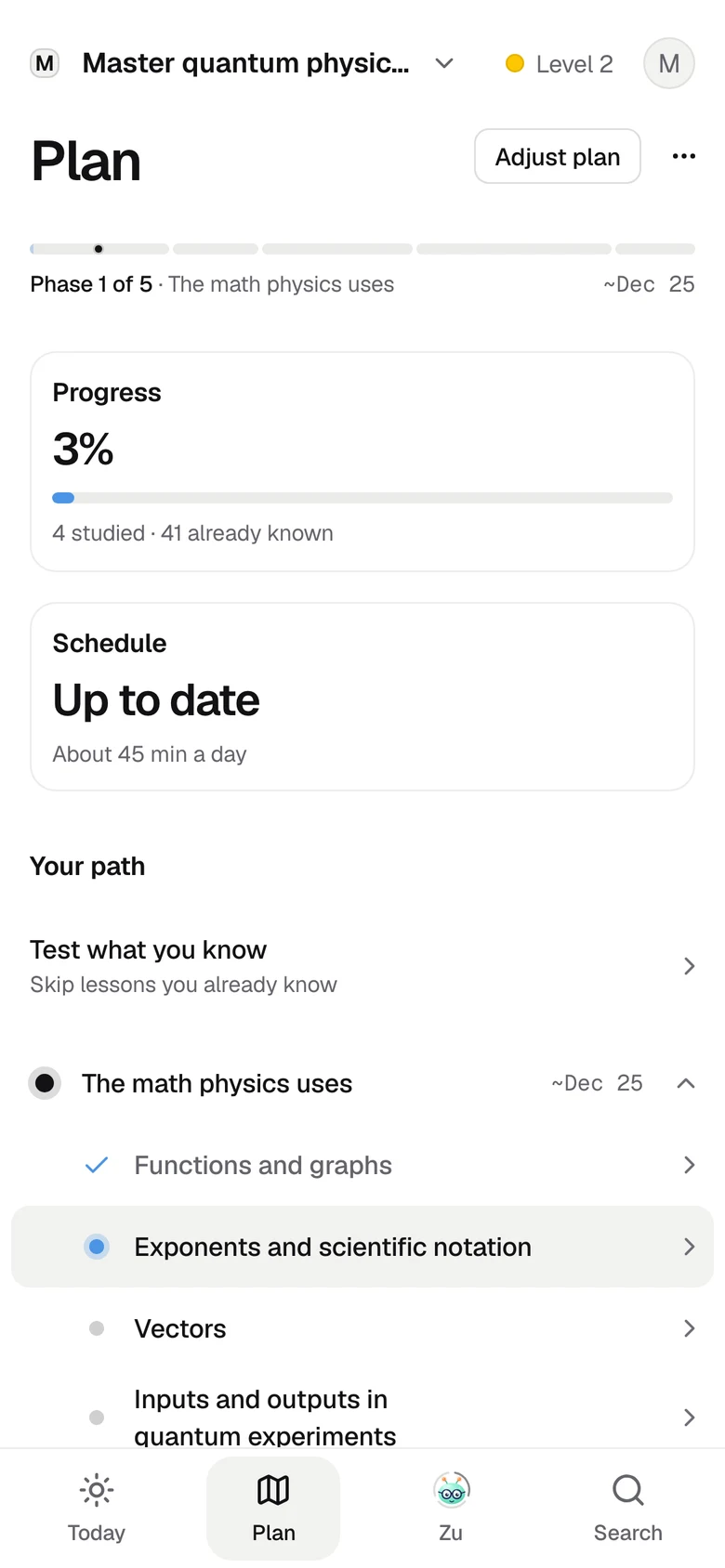
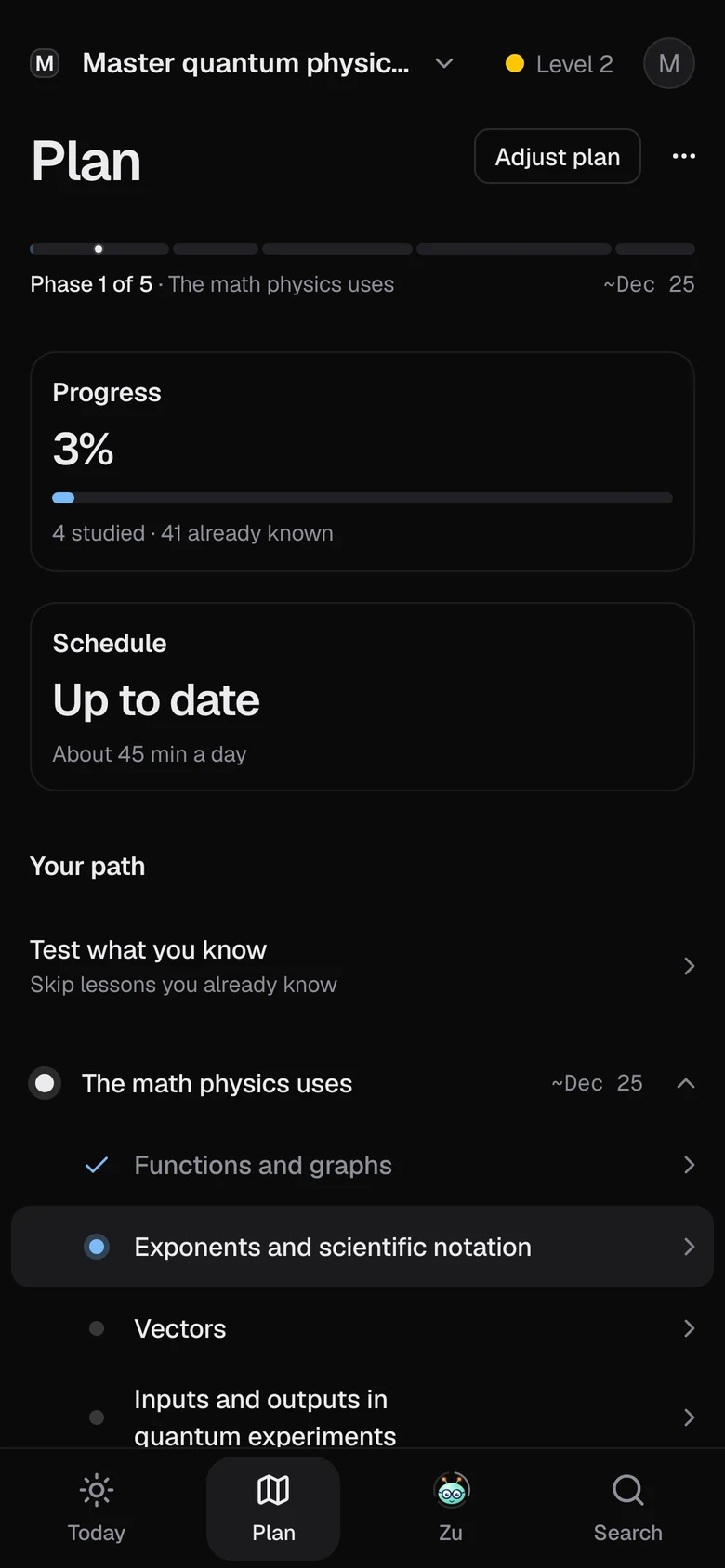
Start a test from your Plan
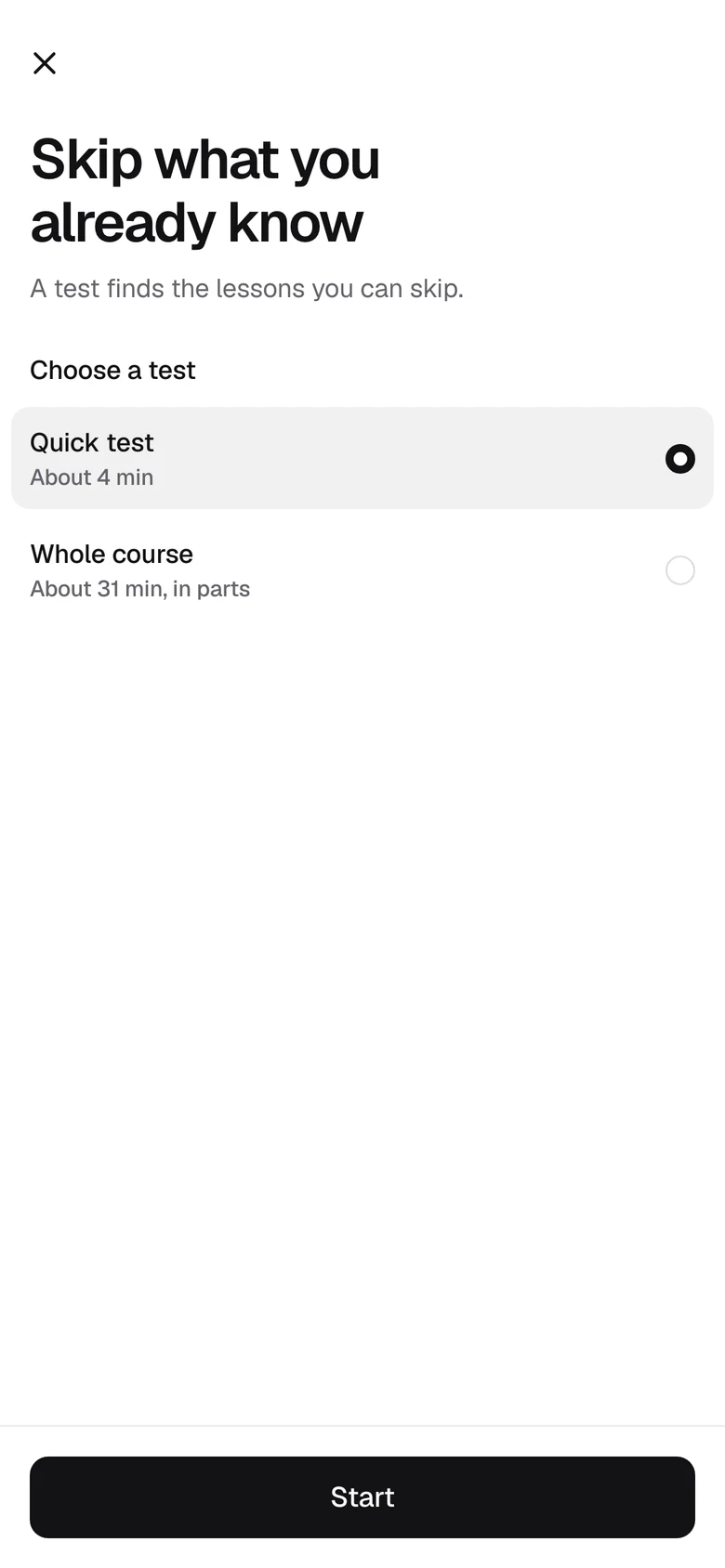
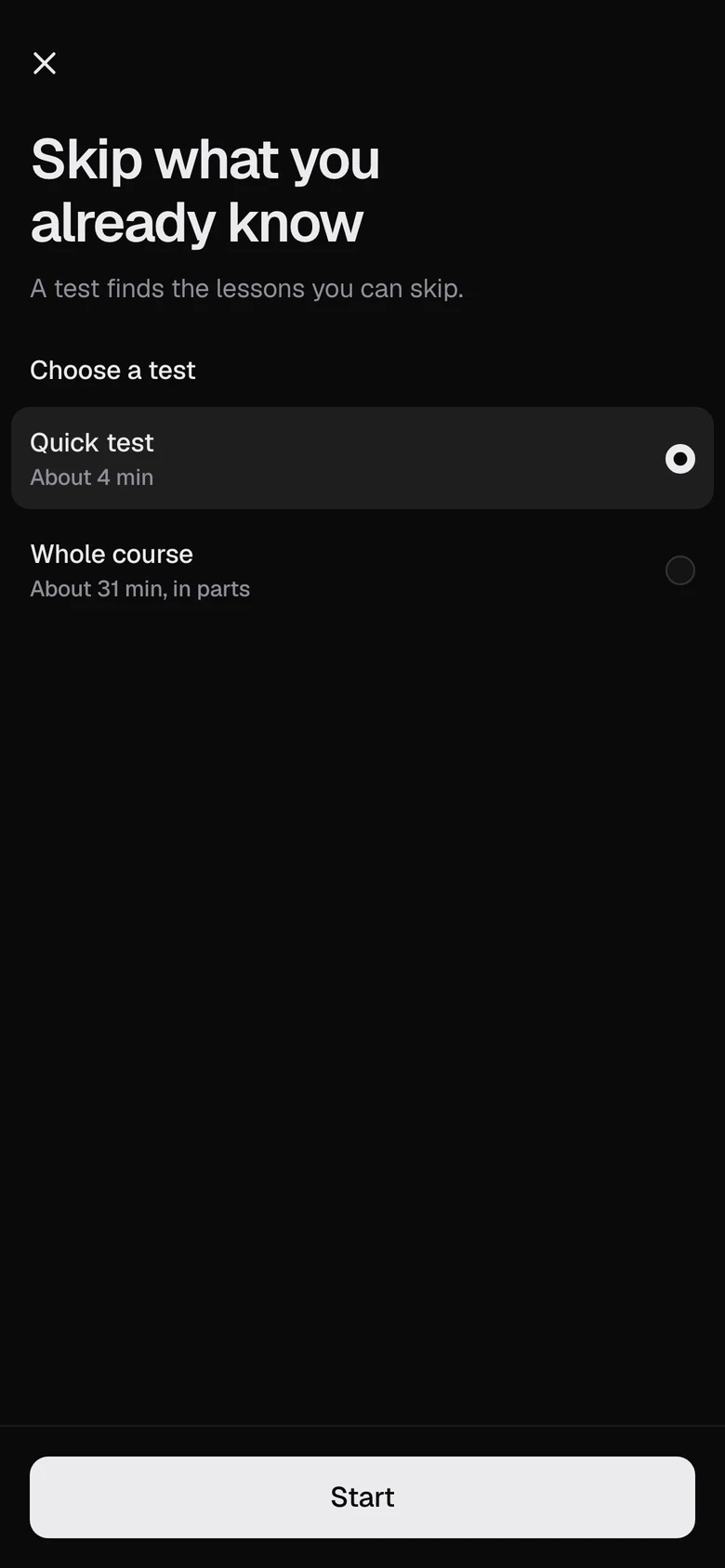
A quick check or the whole course
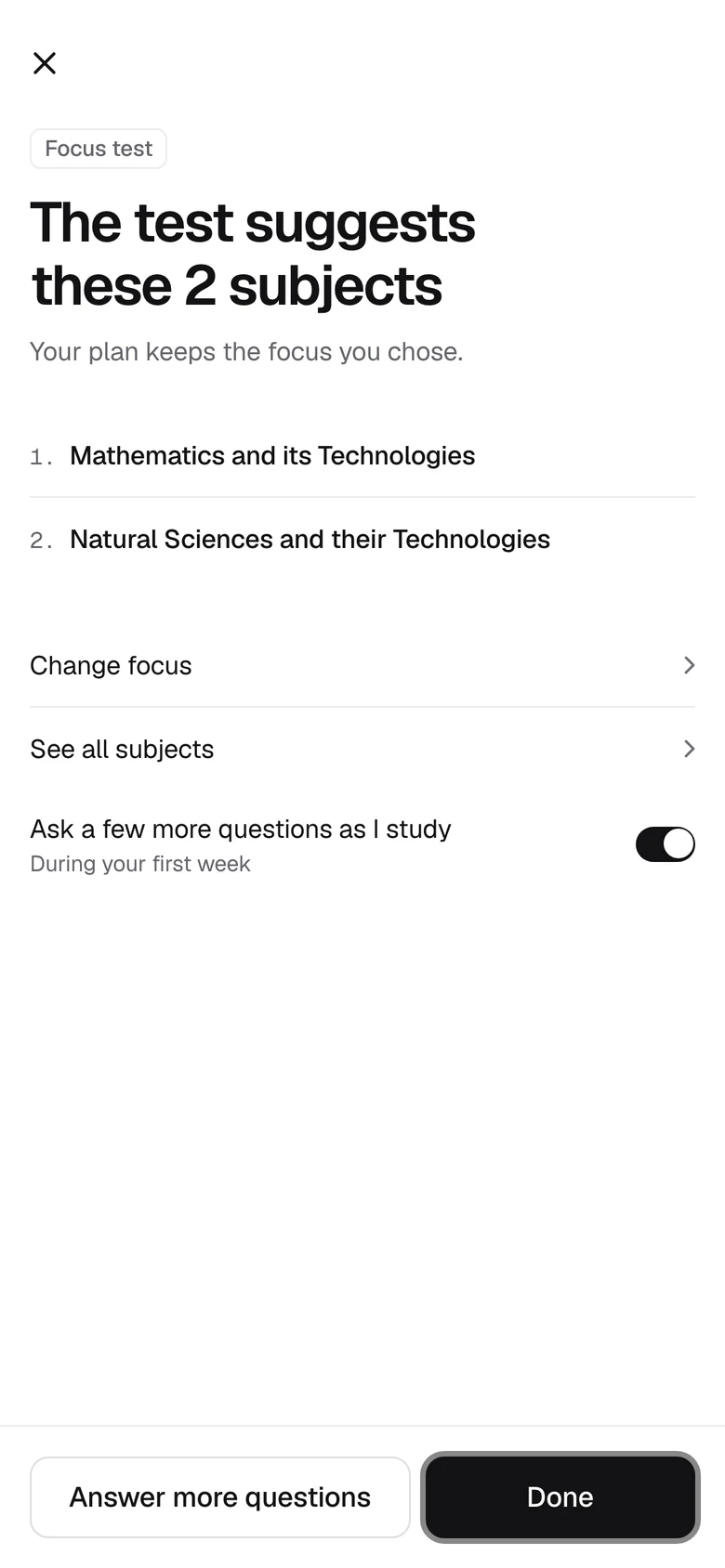
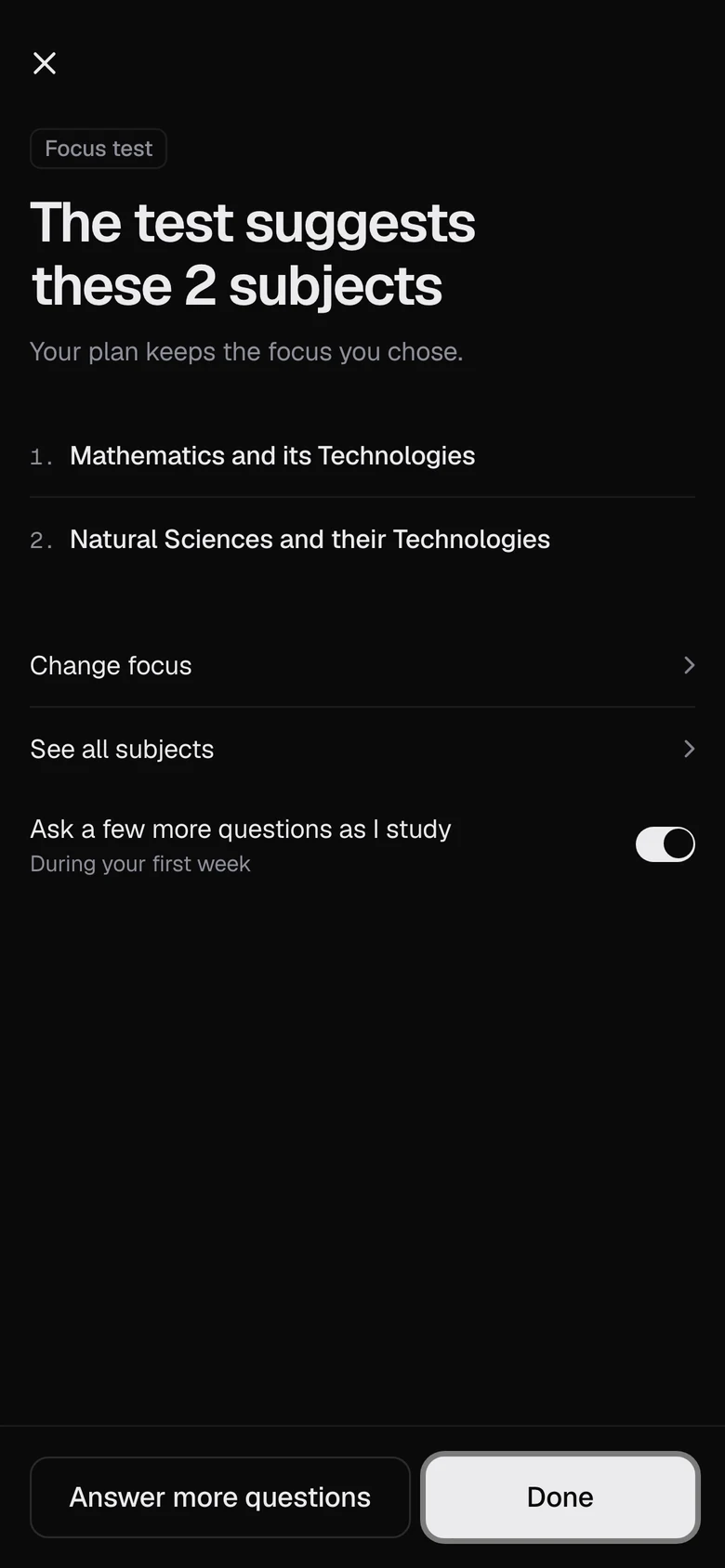
Find which exam subjects need more time
A calmer screen, with realistic plans
I've wanted Zoonk to feel quiet enough that you only think about what you're learning, never about how the app works. Over the past week we went through every screen and rebuilt it around clearer hierarchy, plain labels, one main button pinned at the bottom of task screens, and layouts that stay still when you check an answer.
We also changed how Zoonk talks about time. Before, if your exam was close, setup or Plan could tell you to study 13 hours a day or warn that your time only covered "25% of your exam." Seeing numbers like that makes people give up. Now suggested time a day caps at 4 hours (and you can pick up to 8 hours a day), and those percentage warnings are gone. Your plan starts with what matters most. When more time would help, Plan shows one straightforward suggestion with See what changes, and Adjust plan offers a one-tap button like Use 2 hr 5 min.
And when you're reviewing your Mistakes notebook, every wrong answer now has Open the lesson right under its explanation. It reopens the original lesson when available, finds a teaching lesson on that topic for mistakes from practice or tests, or prepares a quick lesson from the question so you can actually relearn the idea.
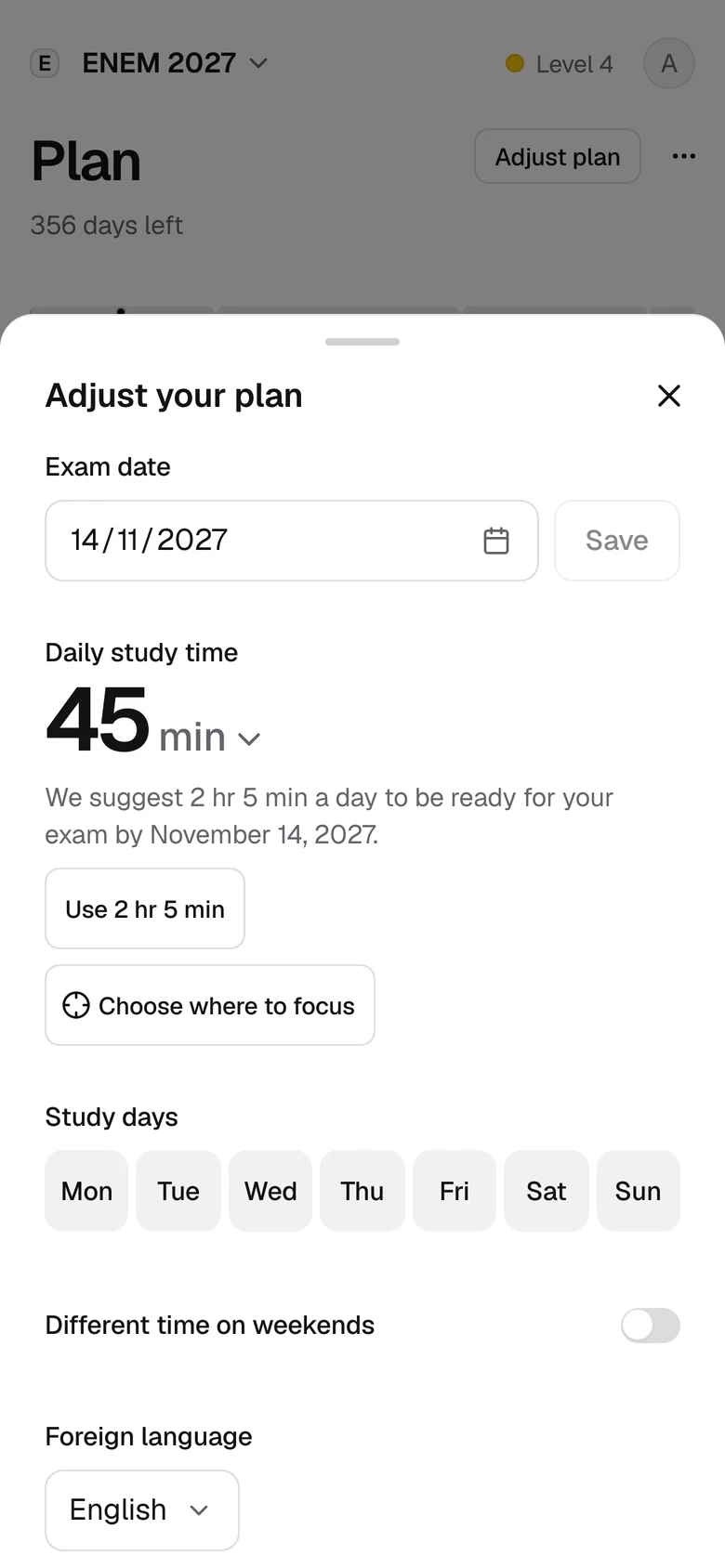
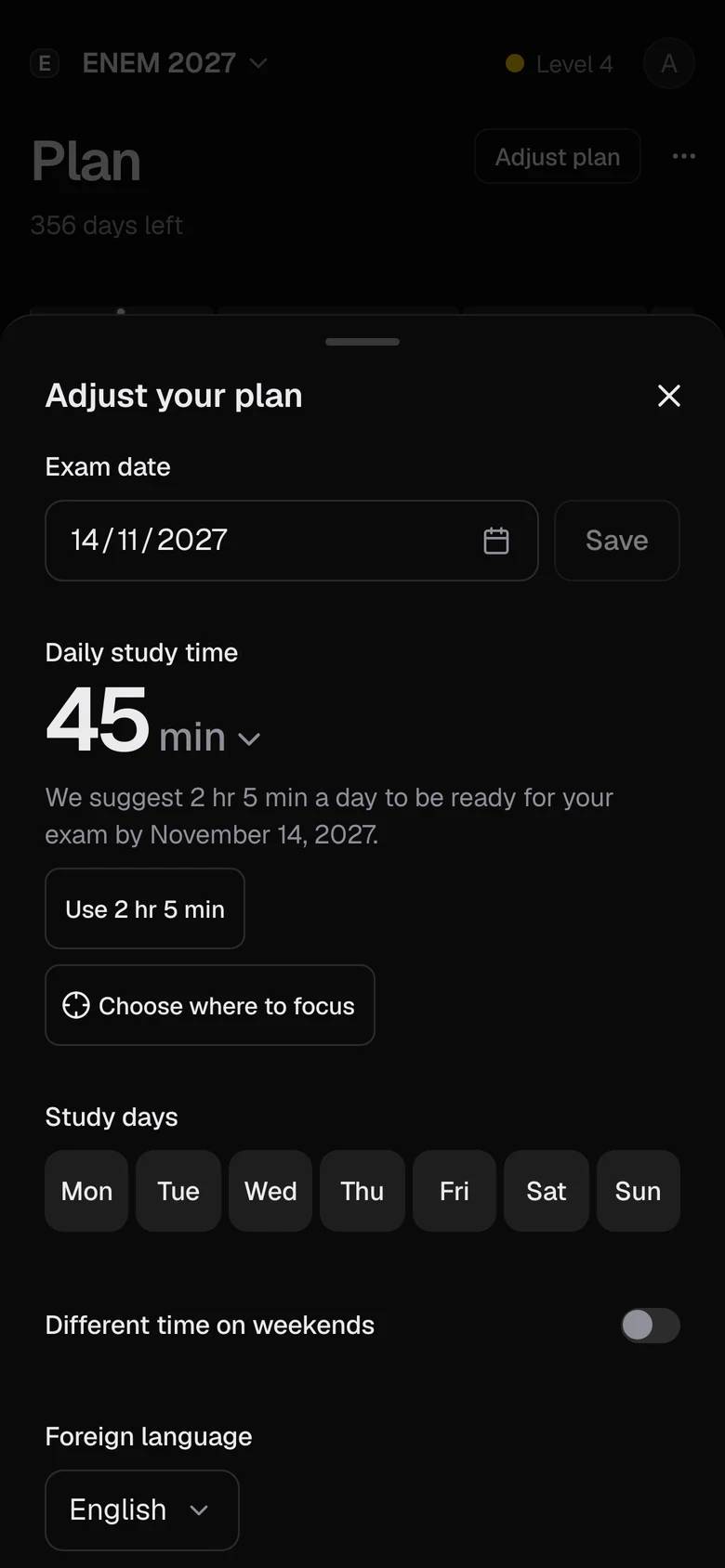
One clear suggestion, without scary percentages
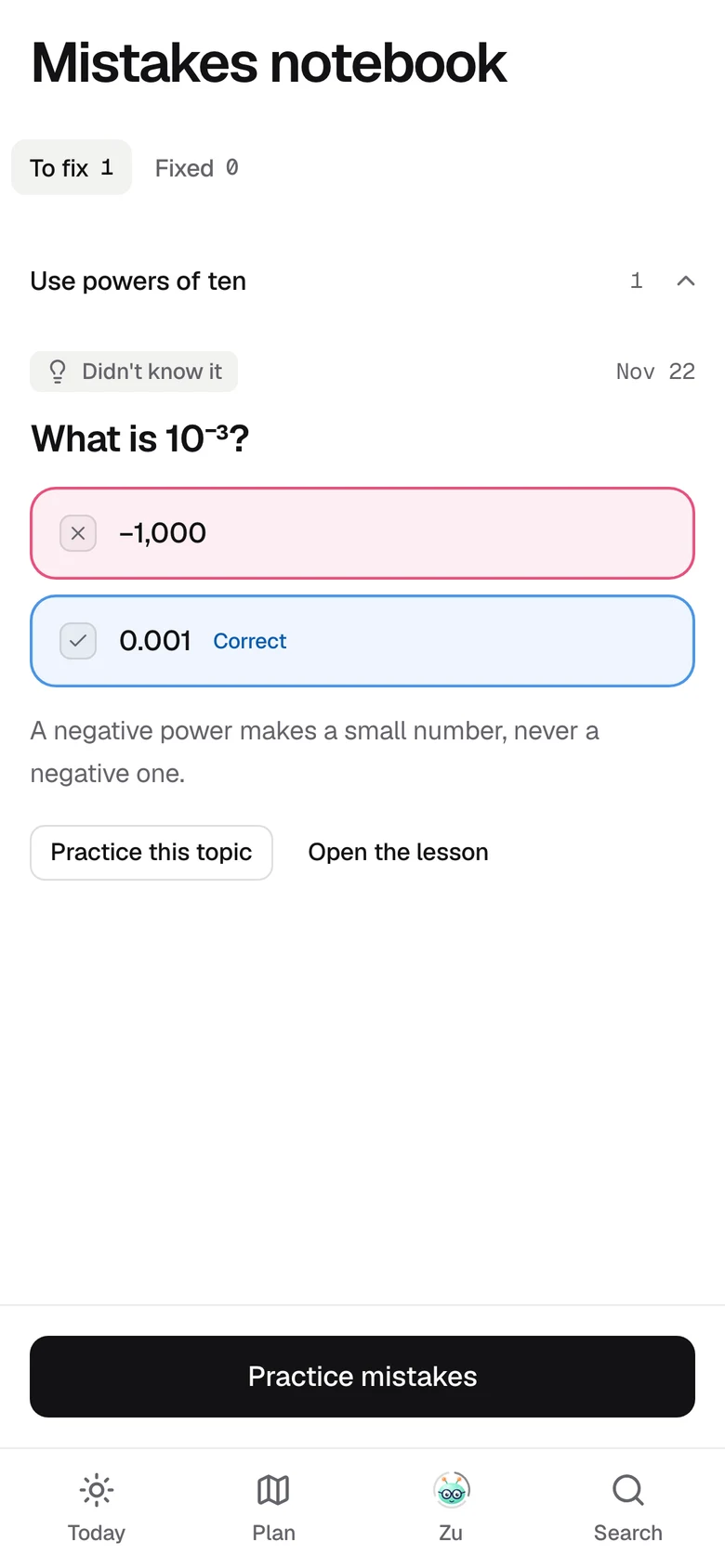
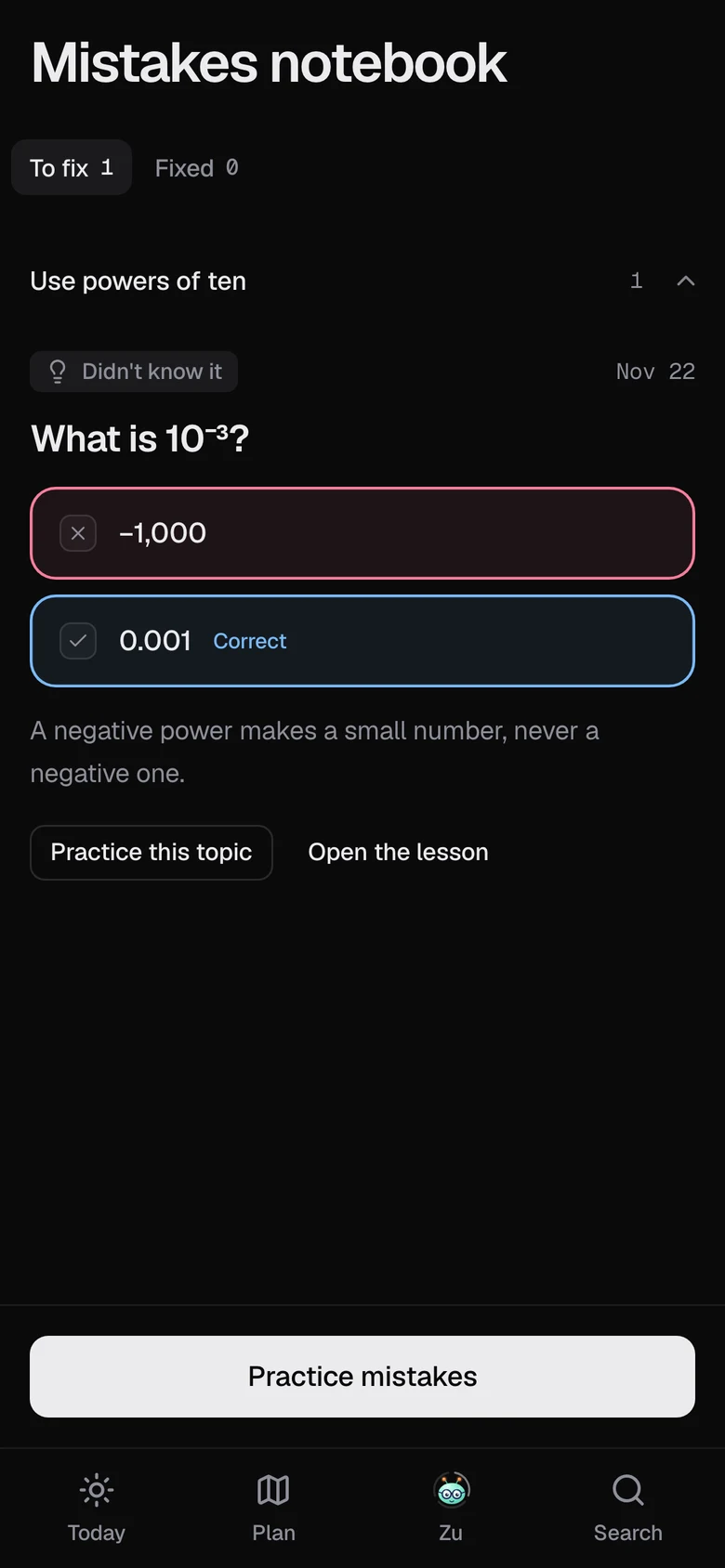
Open the lesson from any mistake
Also new
- Highlighted code blocks and plots: code in lessons, questions, explanations, and in-app help replies now renders with syntax highlighting and preserved indentation, with line numbers on code blocks. Lessons and challenges can also show scatter plots and line plots with target lines.
- Mind maps you can study and save: tap Study maps to move through your maps with swipes or arrow keys, switch between Chapter maps, Lesson maps, and Saved tabs, bookmark favorites across devices, and create ready chapter maps in one tap (up to your daily limit).
- I can't listen now: listening questions now let you switch to reading for the rest of the day, matching I can't talk now.
- Upload notes with a short goal: attach your class notes or syllabus on Start with a line like "I have a test tomorrow" and Zoonk reads the files together with your goal, lists them under Your material, keeps them across reloads and edits, and lets you reuse a file across goals.
- Rolling 30-day limits: monthly limits now count the last 30 days instead of resetting on the 1st and name the exact day more comes back. With a free account, you can start 20 lessons in any 30 days across all your goals, including exam goals.
- Exam plans stick to the official guide, keeping exam strategy optional when your schedule has room.
- Challenges with real tradeoffs: challenges that open with data now show Starting figures above the choices at every decision.
- Every sign-in code stays valid when you ask for a new one while it's still active, with the code right in the email subject.
The release notes for 2.4 and the updates before it (2.3.1 to 2.3.8) have everything else that changed.
If something feels off, or Zoonk doesn't handle your goal well yet, write to us at hello@zoonk.com.